How to Create Video Ads That Convert Fast | RemotionAI Blog
how to create video ads · video ad creation · RemotionAI video ads · social video ads · video ad tips
Learn how to create video ads that convert with scripting, templates, and RemotionAI workflows for TikTok, Reels, and YouTube.
Your campaign is ready to launch, but the video timeline is still blank. The offer is clear, the product screenshots are approved, and the social placements are waiting. A three-day editing marathon for one polished master won't solve the problem, which is learning which hook, length, and call to action can earn attention in each feed.
That's the practical answer to how to create video ads today. Build a flexible production system, make the message understandable with sound off, and produce useful variations quickly. RemotionAI turns a plain-language concept into editable Remotion React code, giving marketers a faster route from idea to preview, refinement, and export. For a broader look at ways to scale video ads with AdStellar AI, compare that workflow with other AI-assisted approaches. You can also review social media video ads for platform-specific creative context.
Introduction Why Video Ads Win Right Now
Digital video has moved from an optional campaign asset to a central part of media planning. The IAB projection for U.S. digital video ad spend says investment is expected to surpass $80 billion in 2026, grow 11% year over year, and exceed 60% of total TV and video ad spend for the first time. That shift changes what production teams need from an ad. They need adaptable creative that can survive different placements, devices, and attention patterns.
The old workflow produces one master and hopes it works everywhere. A factory workflow starts with one concept, then creates alternate hooks, scenes, durations, captions, and CTAs. RemotionAI's prompt-to-code approach supports that model because you can change copy, timing, layout, and composition without rebuilding the entire project from scratch.
The goal isn't cinematic perfection. It's a clear offer, a recognizable brand, and enough practical variants to discover what earns the next few seconds of attention.
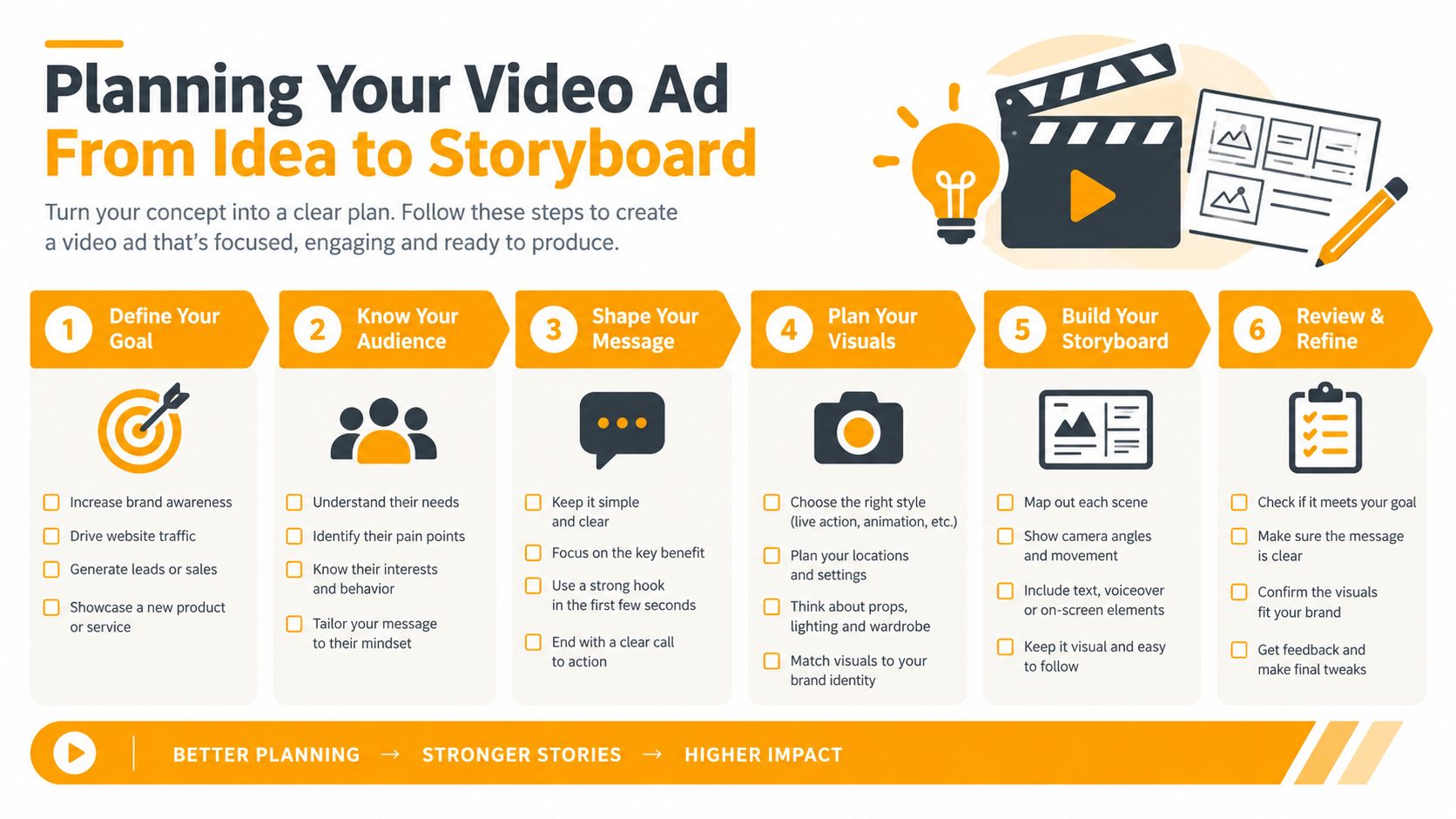
Planning Your Video Ad From Idea to Storyboard
Start with one decision: what should the viewer understand or do after watching? Define the audience, offer, and single core message before choosing music, transitions, or visual effects. If the ad tries to introduce the brand, explain every feature, prove value, and close the sale at once, the opening becomes difficult to understand.
Sketch a short arc:
- Hook: Show the problem, product, or outcome immediately.
- Value: Demonstrate the benefit with a visual or compact explanation.
- Proof: Add a product view, customer reaction, result, or concrete reason to believe.
- CTA: Tell the viewer exactly what to do next.
A 15 to 30 second concept is a useful planning range for many social ads, but placement matters. Choose the destination before storyboarding, then frame every scene for the intended screen. Vertical compositions suit TikTok and Reels, while YouTube may require both vertical and horizontal versions. Keep faces, logos, product details, and captions inside a vertical-safe central area so a crop doesn't remove the message.
Use this simple decision table before opening an editor:
| Platform | Recommended Ratio and Template | Best Use Case |
|---|---|---|
| TikTok | Vertical, feed-native template | Fast hooks, demonstrations, creator-style offers |
| Instagram Reels | Vertical, caption-safe template | Product discovery, lifestyle demonstrations, retargeting |
| YouTube | Vertical or horizontal template | Shorts, explainers, product education, broader viewing contexts |
A rough storyboard is enough. For each scene, write the visual, spoken line, on-screen text, and intended action. A video storyboard template can keep those decisions visible without turning planning into another production project.
Building Your Ad in RemotionAI With Prompts and Templates
Once the decisions are made, write the build prompt like a production brief. Include the format, audience, product, visual style, scene order, brand colors, caption behavior, and CTA. For example: “Create a vertical product ad for a reusable water bottle. Open with a close-up of a leaking disposable bottle, show the insulated product in use, reveal three benefits, and finish with a shop-now CTA. Use bold captions, high contrast, and a clean outdoor palette.”
RemotionAI generates real Remotion React code, rather than filling fixed fields in a locked template. Select a vertical or horizontal starting point, apply a style preset, upload the logo, and set the brand colors. The instant preview makes timing problems obvious before rendering.
Refine through natural language. Ask for “a stronger first scene,” “larger product text,” “less time on the logo,” or “move the CTA above the bottom interface area.” The code-based workflow gives those instructions somewhere precise to land, while the scene editor handles final adjustments to layout, timing, and individual elements.
Use Seedance when the concept needs cinematic text-to-video or image-to-video B-roll, but don't add spectacle because it's available. For a skincare promotion, a clean product rotation, texture shot, benefit line, and direct CTA may communicate more effectively than an elaborate narrative. The finished composition can be rendered as an MP4, while source .tsx gives technical teams a deeper customization path.
Adding Voiceovers Music and Captions That Hold Attention
Audio should support the message, not carry it alone. Build the voiceover with ElevenLabs, select music that stays beneath the narration, and synchronize word-by-word animated captions so the viewer can follow the argument even when autoplay begins muted.
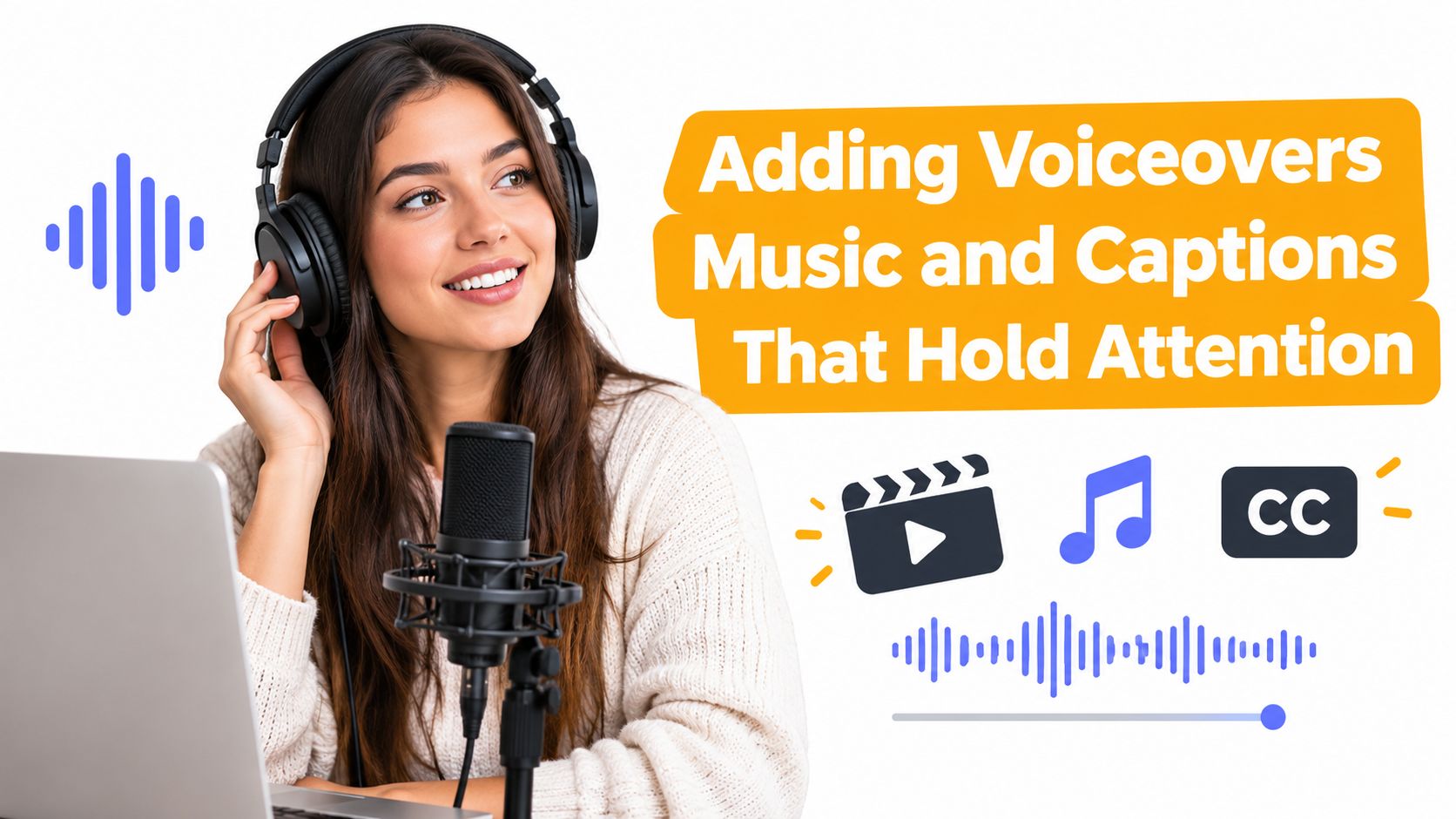
Sound-off design means the visual hierarchy has to work independently. Put the product, brand cue, and core offer in the opening segment. Use short caption phrases, strong contrast, and enough screen time for reading. The guidance on text overlays for muted feed ads treats overlay copy as a critical part of Facebook feed creative, not a decorative layer.
Avoid placing captions over busy footage or near interface controls. Keep the voiceover conversational, remove long pauses, and lower music whenever a benefit or CTA arrives. If your production involves live or real-time caption workflows, understanding live captioning technology can help your team think more carefully about synchronization and accessibility. For the recording side, this voice-over guide covers practical setup choices.
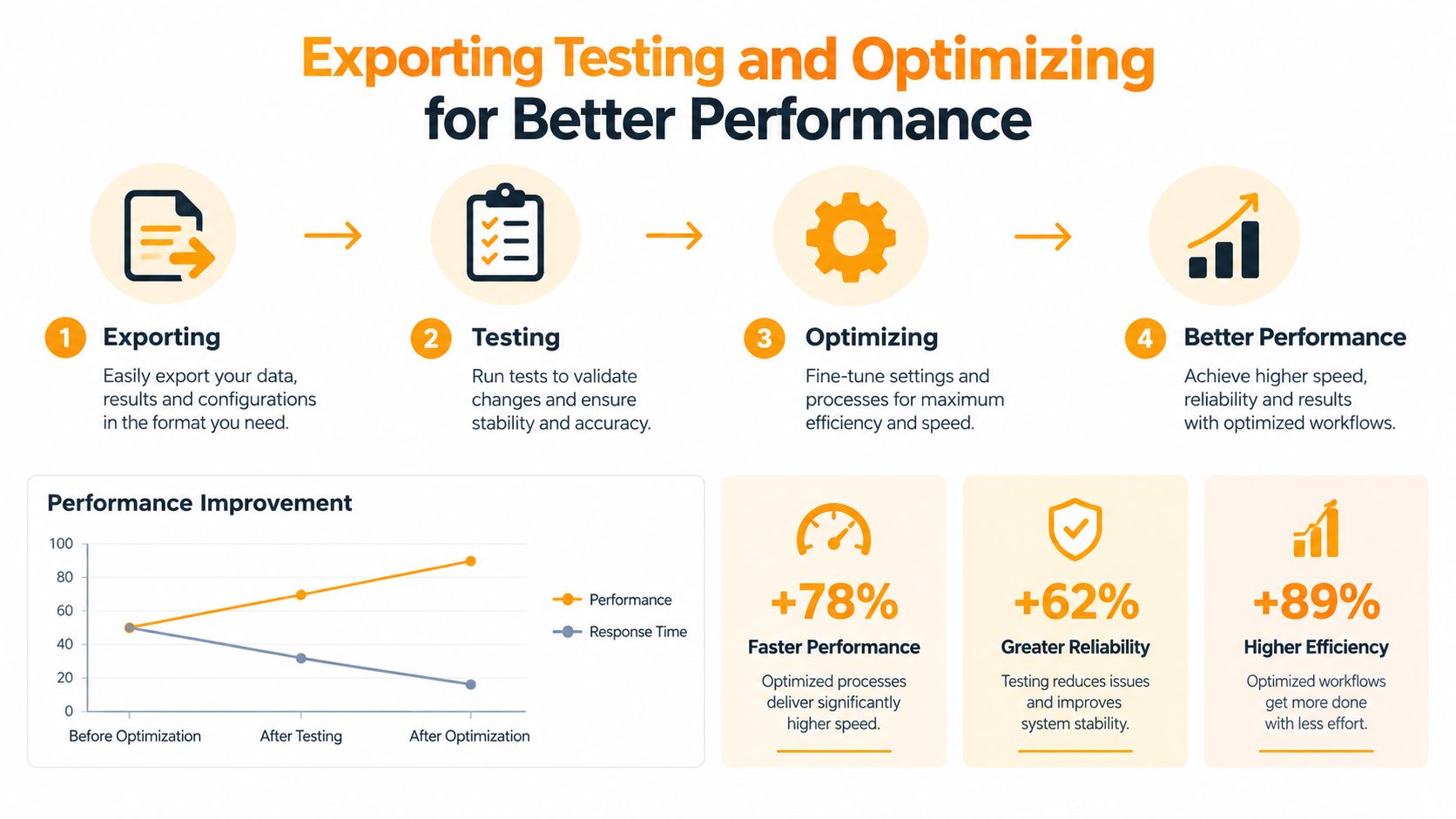
Exporting Testing and Optimizing for Better Performance
Render a clean 1080p MP4 for distribution, then keep the source .tsx when you expect future edits. Before launch, check the first frame, mobile legibility, caption timing, logo visibility, CTA destination, and whether the offer remains clear without audio.
Length deserves disciplined testing. In industry benchmark data covering 2024 through 2026, connected TV ads around 30 seconds reached 95.92% completion, 15-second ads reached 93.88%, and ads of 10 seconds or less reached 90.4%. Ads longer than 90 seconds fell to 32.44%. The same benchmark reports full-completion rates of 74.8% on CTV compared with 38.4% on mobile web, so a long edit may have a more appropriate home on television than in a fast-moving feed.
Create a 3×2×2 matrix, three hooks, two lengths, and two CTAs. That produces twelve variants from one concept, as discussed in current modular production guidance from Wrecking Crew Media. Compare completion, quartile drop-off, clicks, and conversions, then change one meaningful variable at a time.
Practical rule: If viewers leave before the offer appears, don't polish the ending. Rewrite the opening and move the value proposition forward.
A measurement study found completion at 97% for mid-content insertion, compared with 74% at the beginning and 45% at the end, while only 29% of YouTube ad impressions were watched to completion in that study. See the online video ad measurement study for the underlying findings. Your creative should therefore make sense before early drop-off, even when placement gives the ad a high-attention moment.
Your Next Video Ad Made Simple
The next ad doesn't need a blank timeline or a single heroic edit. Write the offer, choose the placement, storyboard the hook and CTA, generate the composition, then make variants that answer different creative questions.
Use this launch checklist:
- Message: One audience, one problem, one main promise.
- Format: Platform-native ratio with vertical-safe framing.
- Opening: Brand, product, or offer appears immediately.
- Accessibility: Captions and readable overlays work with sound off.
- Testing: Alternate hooks, lengths, and CTAs are ready.
- Learning: Completion and quartile drop-off determine the next edit.
The winning workflow isn't one perfect video. It's a repeatable system that turns one strong idea into evidence.
Ship the first useful version, learn where attention fades, and let the next variant carry that lesson forward.
RemotionAI turns plain-language ad concepts into editable Remotion React compositions with templates, brand controls, voiceovers, captions, previews, and production-ready MP4 rendering. Visit RemotionAI to create your next platform-ready ad, generate several testable variants, and move from idea to launch without rebuilding every cut manually.