7 Video Captions for Instagram That Convert | RemotionAI Blog
video captions for instagram · Instagram Reels · video captioning · Instagram marketing · social video tools
Explore video captions for instagram with hooks, CTAs, format guidance, examples, and accessibility tips for stronger Reels and feed videos.
Your video can be strong and still underperform on Instagram if the opening line is vague, the CTA is buried, or the captions are hard to read against the frame. That's why video captions for Instagram should match the job the video has to do, whether it needs to stop the scroll, explain value, announce a change, or drive action. For Reels and feed videos, accessibility isn't separate from performance, it's part of the edit. Examples below cover promotional, educational, and announcement content, and tools like AI video tools for Reels can help you ship platform-ready videos with synchronized, animated captions.
1. RemotionAI
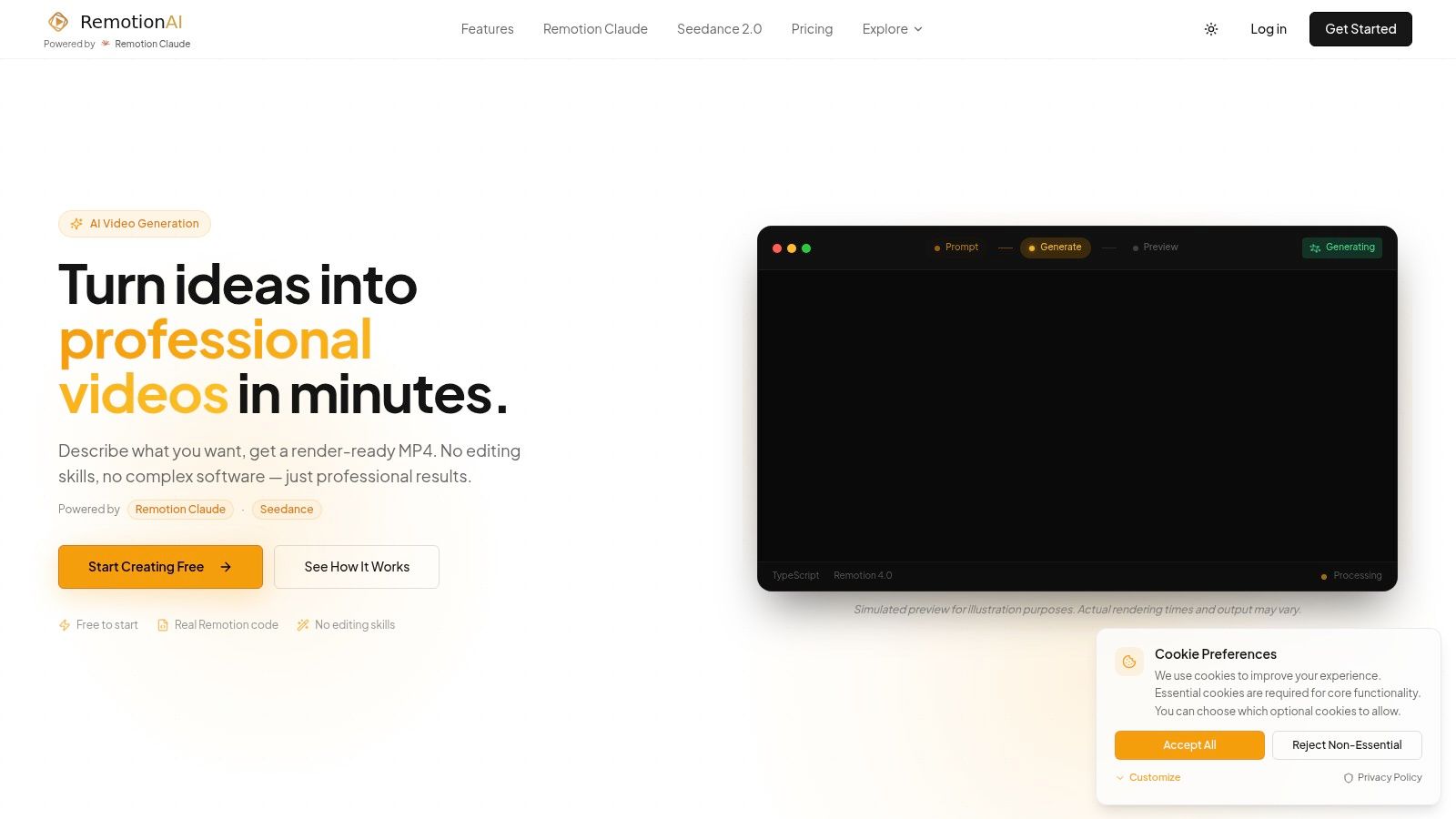
A Reel built to stop the scroll needs captions that appear with the hook, not several beats later. RemotionAI connects the brief, caption timing, layout, and export in one workflow. Describe the concept in plain English, preview the generated Remotion code, then refine the video before rendering a platform-ready MP4.
For caption-led Reels, the tool supports animated word-by-word captions, AI voiceovers, synchronized audio, and background music. Templates cover vertical and horizontal formats, while brand controls keep logos, colors, and layouts consistent. Advanced users can download the generated .tsx file and customize the output directly. The practical setup is explained in their guide on how to add captions.
Practical rule: use this workflow when captions are part of the visual design, such as a fast hook, product explanation, or announcement. It is less useful when you only need a quick transcript added to an existing edit.
The trade-off is simplicity versus production control. The free tier works for testing the process, while heavier production teams may reach plan limits sooner. For teams publishing several Reels a week, reusable .tsx output and brand controls can reduce repeated caption styling compared with rebuilding each version in a separate editor.
Website: remotionvideo.com
2. Kapwing
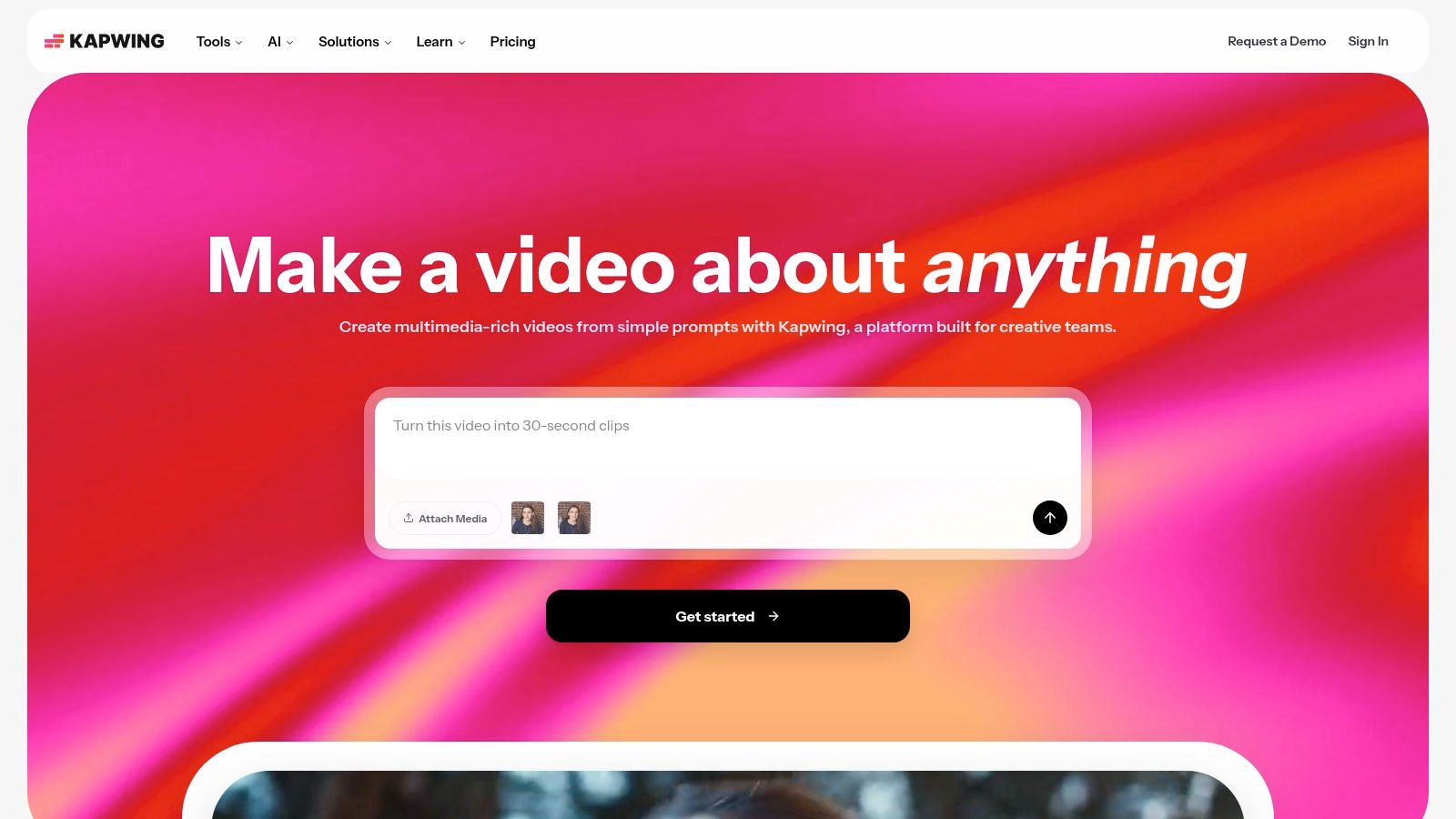
Kapwing makes sense when the caption needs to stay accurate across a busy social workflow. It's browser-based, which helps marketing teams move fast on edits, and it supports auto-subtitling with an editable transcript plus SRT and VTT export. If you're producing one Reels cut for Instagram and another version for other channels, that export flexibility saves time.
The styling controls are broad enough for branded social content. You get custom fonts, a brand kit, translation support for 60+ languages, and resizing templates for vertical, square, and horizontal formats. Paid plans also support 4K export, which is useful if your team wants to reuse the same master file across platforms. For context, their Instagram best-practices guide is useful when you're matching captions to format choices like Reels length and pacing, and it's available alongside their Reels guidance.
What Kapwing does well is balance speed and polish. What it doesn't do is hide every limit, the free plan adds a watermark and shorter export limits, so it's better as a production workhorse than a casual freebie. If your team cares about caption accuracy, styling control, and cross-platform output, it's a strong middle ground.
Website: Kapwing
3. VEED
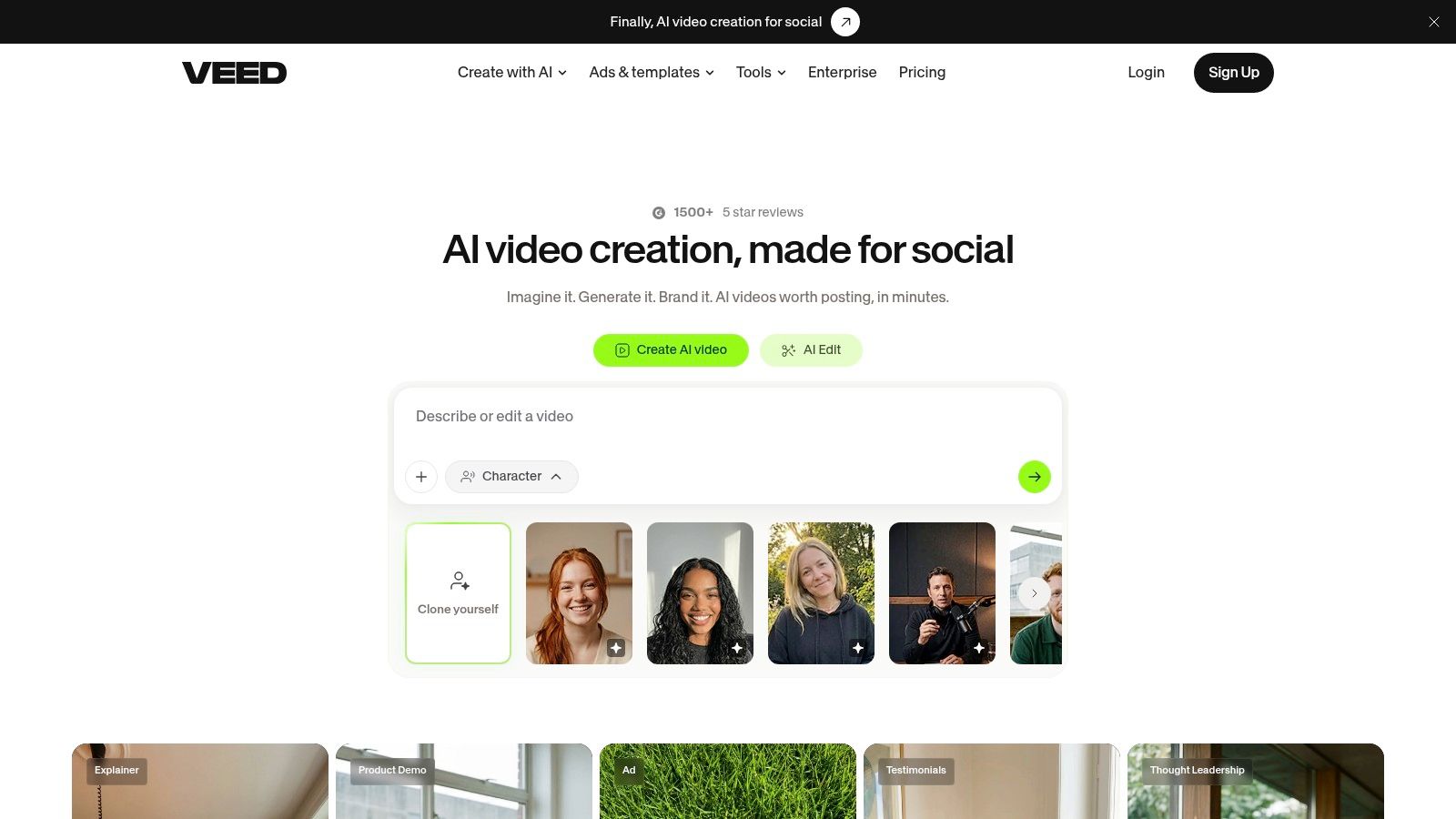
VEED fits teams that want captions to feel current without building a whole motion system from scratch. The editor is browser-based and built around templates, so the caption look can be adjusted quickly with fonts, colors, layout choices, and emoji insertion. That makes it useful for Instagram videos where the caption style needs to feel native to short-form content.
A strong part of VEED's workflow is its AI Clips feature, which can cut longer videos into Reels or Shorts, auto-frame them, and add subtitles. That helps when a podcast clip, webinar excerpt, or founder video needs to become a publishable Instagram asset fast. The platform also offers a Subtitle API, so teams doing higher-volume captioned output can automate part of the process.
The trade-off is that plan details matter. Subtitle usage caps, translation limits, and AI credit rules vary, so it's not the cleanest fit if you need fully predictable volume across many accounts. Still, for creators and marketers who want a broad toolset in one workspace, VEED gives you more than just captions, it gives you a fast way to repurpose footage into social-ready edits.
Keep the caption style simple when the visual already does the selling. Extra motion only helps when it improves readability.
Website: VEED
4. Submagic
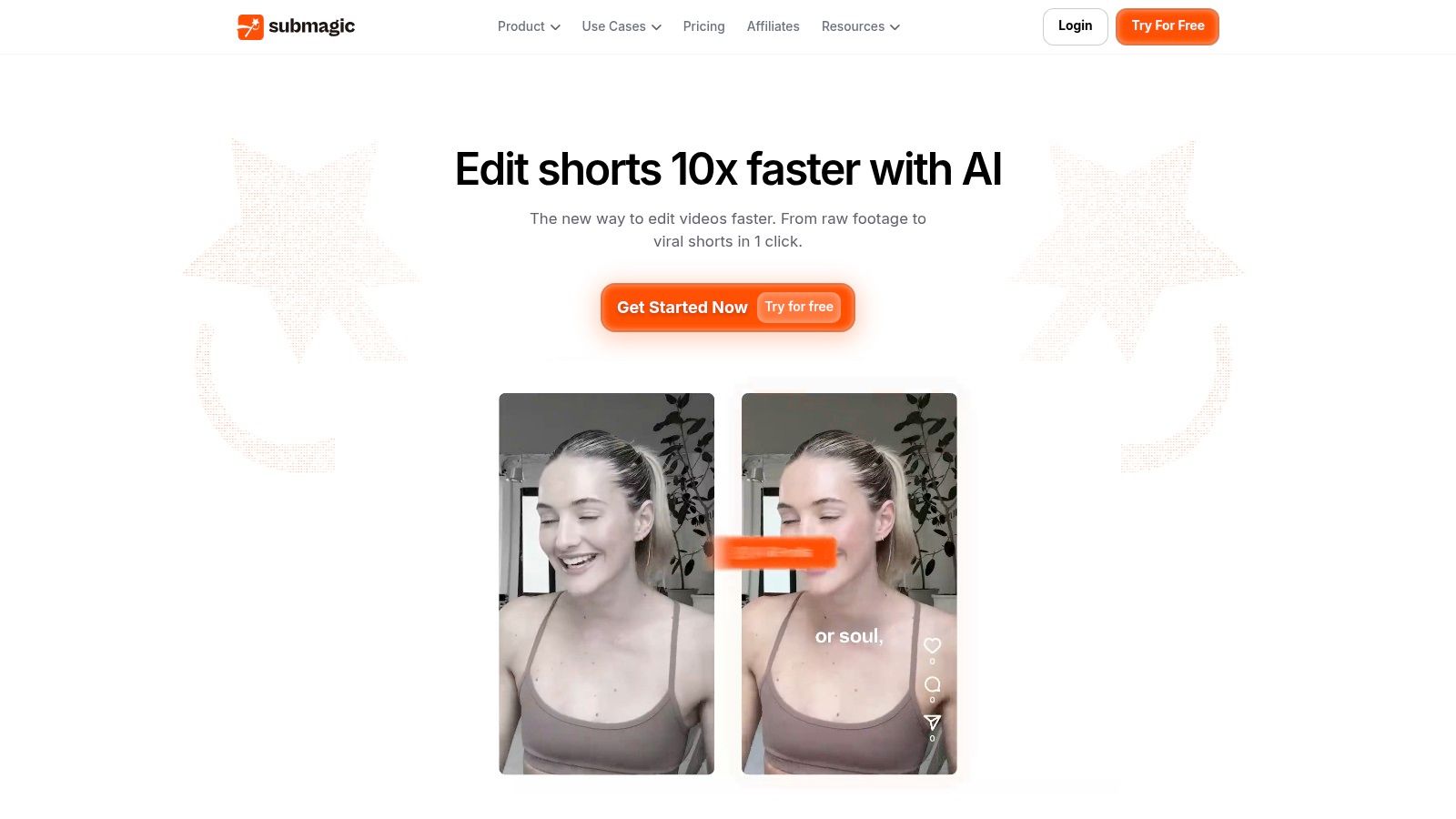
Submagic is built for talking-head clips that need punchy, animated captions fast. It leans hard into word-by-word, karaoke-style captions, which is exactly why creators use it for Reels that need to feel immediate and energetic. If your content lives or dies on a strong first sentence, this tool helps that line land visually.
Its real value is speed. Captions, B-roll, zooms, and eye-contact correction all sit in one workflow, so a creator can turn a rough take into a more polished short-form edit without jumping between tools. The default look is tuned for the kind of motion-led caption design that's common in Instagram short-form, so you spend less time designing and more time publishing.
The main downside is pricing structure. Many useful features sit behind plan tiers, and the monthly billing can feel expensive if you're producing a lot of videos on a long timeline. That said, for solo creators or lean content teams that want their captions to look like modern Reels without manual styling, Submagic is one of the fastest paths to a finished post.
Website: Submagic
5. Zubtitle
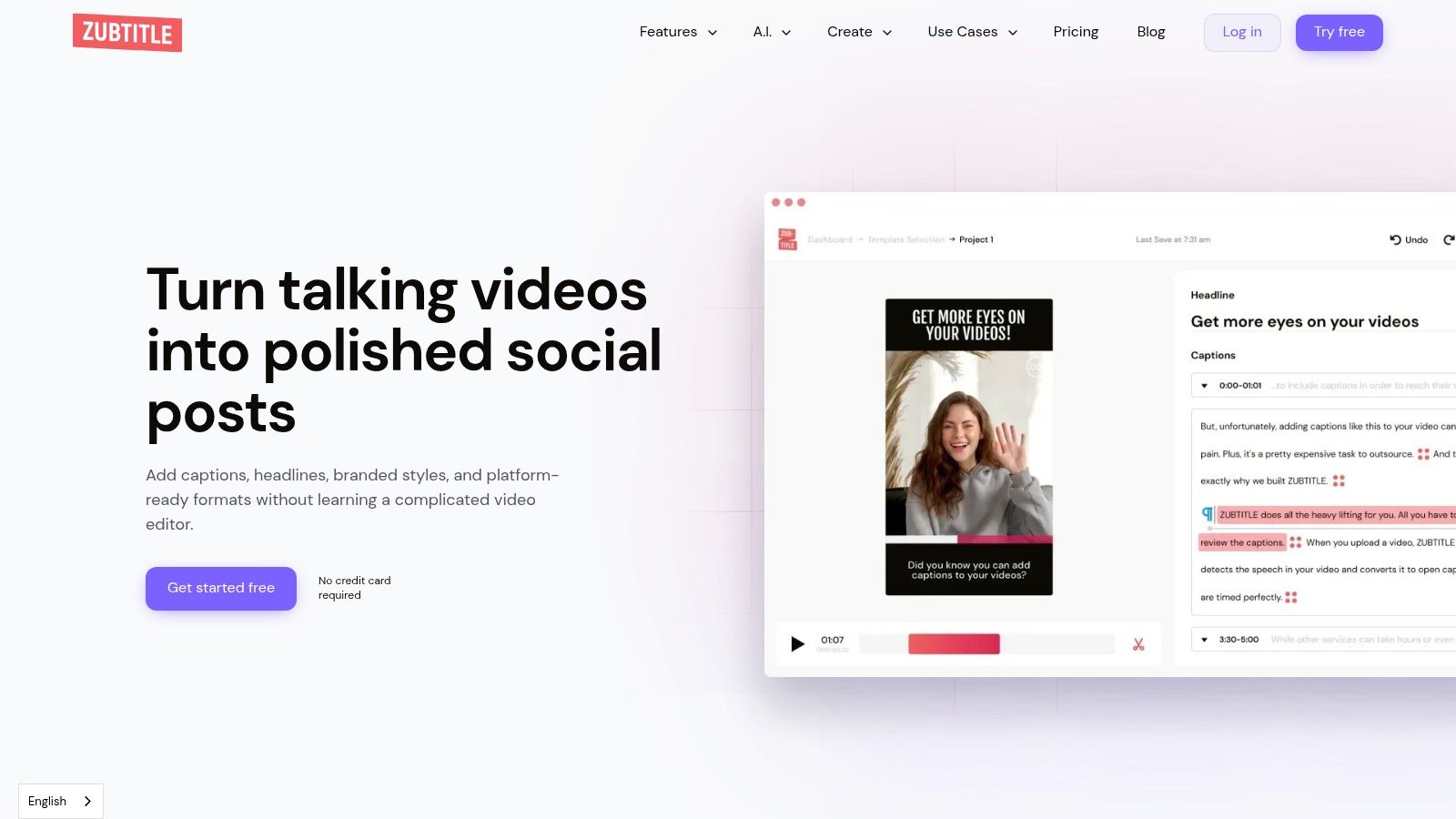
Zubtitle is a good fit when you want a focused captioning tool instead of a full editor. It auto-transcribes video, burns in subtitles, and gives you branded templates that are easy to apply across a series of Reels. For teams that care more about consistency than fancy effects, that narrower focus is often a strength.
The platform also supports headline overlays, progress bars, and vertical resizing, which helps when you want captions to work with the rest of the frame instead of sitting underneath it. The practical part is that it keeps the workflow simple. Upload, clean up the transcript, choose a style, and export. That makes it easier for smaller teams to keep output moving without a long learning curve.
Zubtitle's limits are clear. You won't get the deeper editing control of a full video suite, and paid plans still cap monthly video volume and upload length. Even so, for social teams that want reliable, on-brand caption burns for Instagram, it solves the core job without extra clutter.
The best caption tool isn't always the most advanced one. For a lot of social teams, the winning tool is the one they'll actually use every day.
Website: Zubtitle
6. Captions
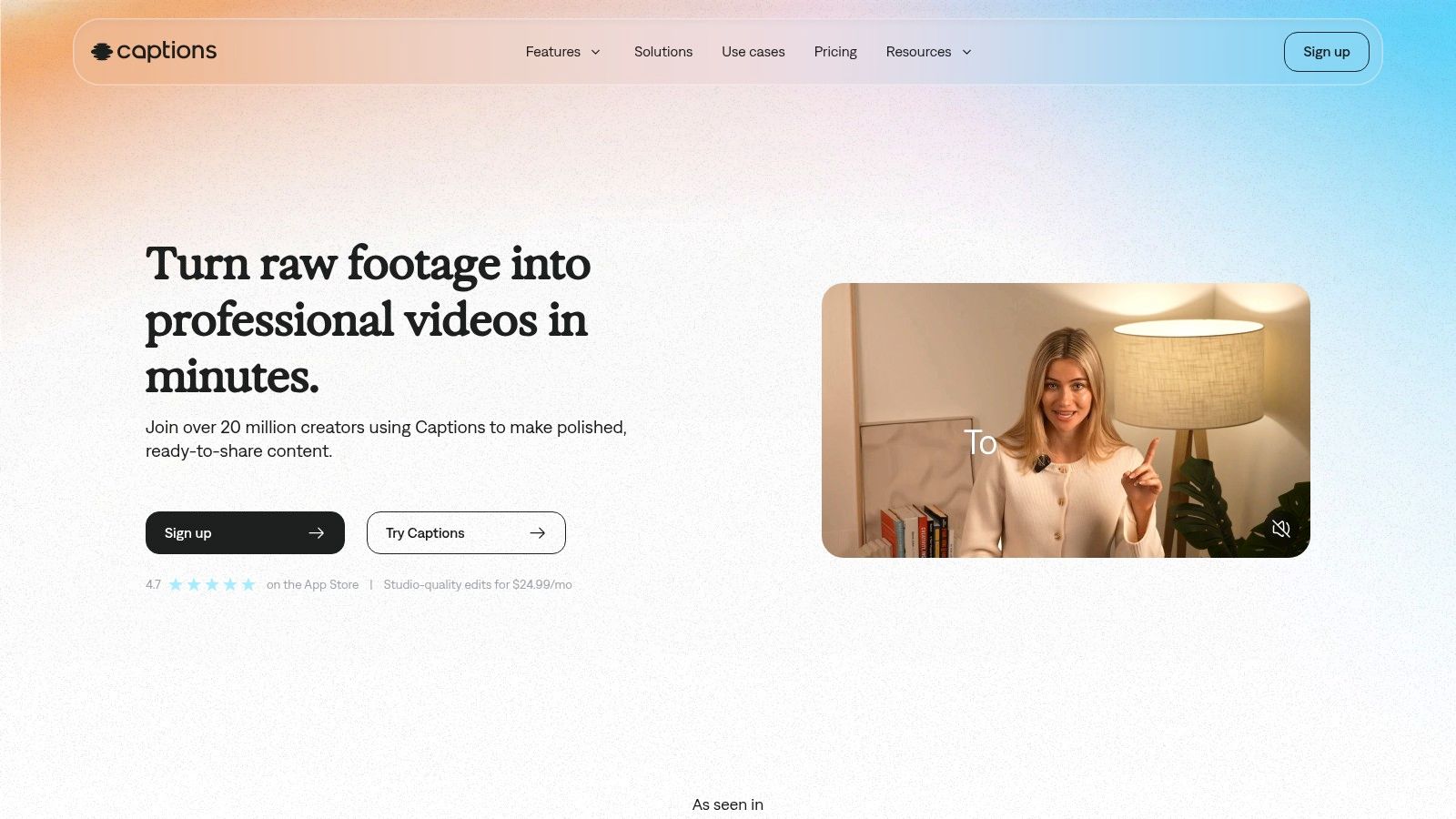
Captions suits creators who film, edit, and publish from a phone. If the video starts as an Instagram Reel, its mobile-first workflow keeps production in one place. Animated caption templates help stop the scroll without requiring a new design for every post.
Match the caption treatment to the job. Use bold, timed text to hold attention during a hook, cleaner lines to explain a product, and clear announcement captions when the message is a change or update. For a direct action, keep the final instruction readable and on screen long enough to follow. Captions also includes a teleprompter, eye-contact correction, transcript downloads, and batch Clips generation for splitting longer recordings into shorter posts. Its styles suit on-camera delivery, while captions still support accessibility when the transcript is cleaned up before export.
If you need desktop-side transcription before styling captions, compare offline and cloud transcription picks before committing to a mobile-only workflow. Their guide to AI video caption generation workflows offers another useful reference when comparing automation approaches.
Plan access and pricing can vary by plan and region, so check current app details first. Captions fits phone-led Instagram production where speed matters more than desktop-level control.
Website: Captions
7. Descript
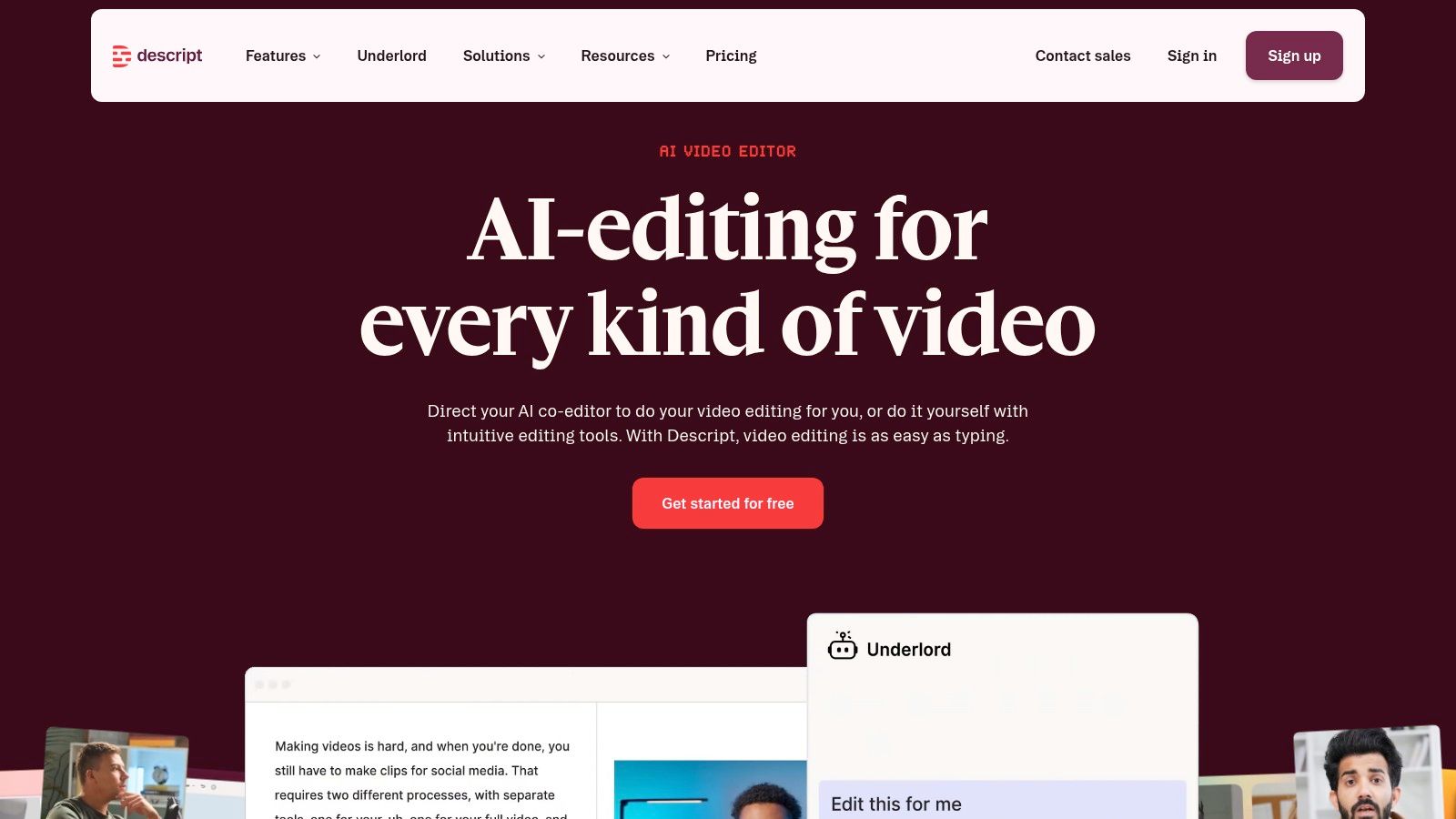
Descript is the strongest choice when the transcript itself is the editing surface. That makes it valuable for repurposing webinars, podcasts, interviews, and product explainers into Instagram-ready clips, because you can fix wording, pacing, and caption accuracy in the same place. For teams that already think in scripts and transcripts, the workflow feels natural.
Its dynamic animated captions are the main draw for Instagram. They give you more visual control than plain subtitle burns, while the text-based editor makes it easy to cut dead air and tighten the hook before export. Descript also offers translation and social export options, and higher tiers include stronger team features and stock libraries. If your clip needs a clean caption pass before it hits Reels, that text-first workflow is hard to beat.
The downside is complexity. Descript can do a lot, and that's useful until you only need simple captioning. For a quick social burn, it can feel heavier than a single-purpose tool. For editors and content teams who want transcript precision plus branded motion, though, it's one of the most capable options on the list.
Website: Descript
Top 7 Tools for Instagram Video Captions
| Product | 🔄 Implementation complexity | ⚡ Resource requirements | ⭐ Expected outcomes | 💡 Ideal use cases | 📊 Key advantages |
|---|---|---|---|---|---|
| RemotionAI | Low (no‑code preview) → Medium (.tsx for advanced tweaks) | Tiered subscription; cloud rendering; higher quotas on Pro | ⭐⭐⭐⭐⭐ Production-ready 1080p, synchronized audio & captions | Social ads, e‑commerce, product launches, pitches | Exportable Remotion code, integrated voice/music, brand controls |
| Kapwing | Low (browser-based editor) | Free + paid credit/model limits; web only | ⭐⭐⭐⭐ Accurate auto-subtitles, editable transcripts, SRT/VTT | Captioning, translation, quick resizing for socials | Editable transcripts, 60+ languages, one‑click resize |
| VEED | Low (template-driven browser tools) | Subscription with AI/credit caps; web | ⭐⭐⭐⭐ Template captions + AI clip generation | Cutting long videos into Reels/Shorts; trend-driven content | AI Clips, Subtitle API, broad audio/video toolset |
| Submagic | Very low (purpose-built workflow) | Tiered plans with monthly quotas | ⭐⭐⭐⭐ Fast, viral-style karaoke captions optimized for Reels | Talking-head short-form, viral caption trends | Animated word-by-word captions, B-roll, eye-contact fixes |
| Zubtitle | Very low (focused, minimal UI) | Affordable entry plan; monthly upload/time caps | ⭐⭐⭐ Reliable branded burn-in captions for social formats | Teams needing quick, on-brand Reels captions | Simple templates, headlines/progress bars, SRT export |
| Captions (captions.ai) | Very low (mobile-first app) | Mobile in-app pricing/credits; platform-dependent | ⭐⭐⭐⭐ Mobile-ready animated captions; teleprompter support | Creators shooting and publishing directly from phone | Teleprompter, eye-contact correction, 100+ language templates |
| Descript | Medium–High (pro-grade, transcript-centered) | Paid tiers for transcription hours; desktop/web app | ⭐⭐⭐⭐⭐ Highly accurate captions; fast text-based edits | Repurposing podcasts/YouTube into social clips | Text-based editing, Studio Sound, team workflows and 4K export |
Turn Caption Ideas Into a Repeatable Workflow
The fastest way to improve video captions for Instagram is to match the workflow to the video's job. Start by identifying the goal, write a first-line hook that earns the tap, keep the main caption focused, and add one clear CTA. Then check readability against the visual, review transcript accuracy, and test the export on the exact Instagram format you're posting to.
The tools above break down into a few real trade-offs. Fast AI generation is best when volume and speed matter. Mobile-first editing wins when the creator shoots and posts on the same device. Browser flexibility helps distributed teams collaborate. Transcript control matters when accuracy and repurposing are the priority. Branded animated styles are the right call when the caption has to feel like part of the content, not an overlay added later.
Choose the workflow that fits your posting volume and editing skill, not the one with the longest feature list. A lean team can do more with a simple caption tool than with a complicated suite it barely touches. Build a small library of reusable hooks and CTA patterns, then reuse what already works across promos, explainers, and announcements.
For export and format consistency, it also helps to review your final video settings alongside best Instagram export settings so the captions stay readable after compression and resizing.
If you want a faster way to turn caption ideas into finished Reels, RemotionAI can help you go from plain-English brief to platform-ready video with animated, synchronized captions. It's a practical fit when you need on-brand output, quick iteration, and a workflow built for Instagram from the start.