10 AI Video Templates for Every Use Case | RemotionAI Blog
ai video templates · AI video tools · video presets · video marketing · RemotionAI
Compare 10 ai video templates for TikTok, ads, explainers, and product videos, with practical customization guidance for RemotionAI and other tools.
A creator needs a vertical short by lunch. A marketer needs a product ad that feels consistent with the rest of the campaign. A communications team needs an explainer format it can reuse without rebuilding every scene. AI video templates can solve all three jobs, but they don't all automate the same parts of production. Some are trend libraries, some are brand systems, some turn scripts into scenes, and others depend on avatars or editable code.
This roundup organizes the tools by the production job they handle best. I'll also use RemotionAI as the practical customization reference, showing where prompts, formats, brand controls, captions, voiceover, code export, and cinematic inserts fit. These platforms aren't interchangeable, and the best choice depends on how much control your workflow needs. For planning an event recap, these event recap video tips are a useful starting point.
1. RemotionAI for prompt-driven production
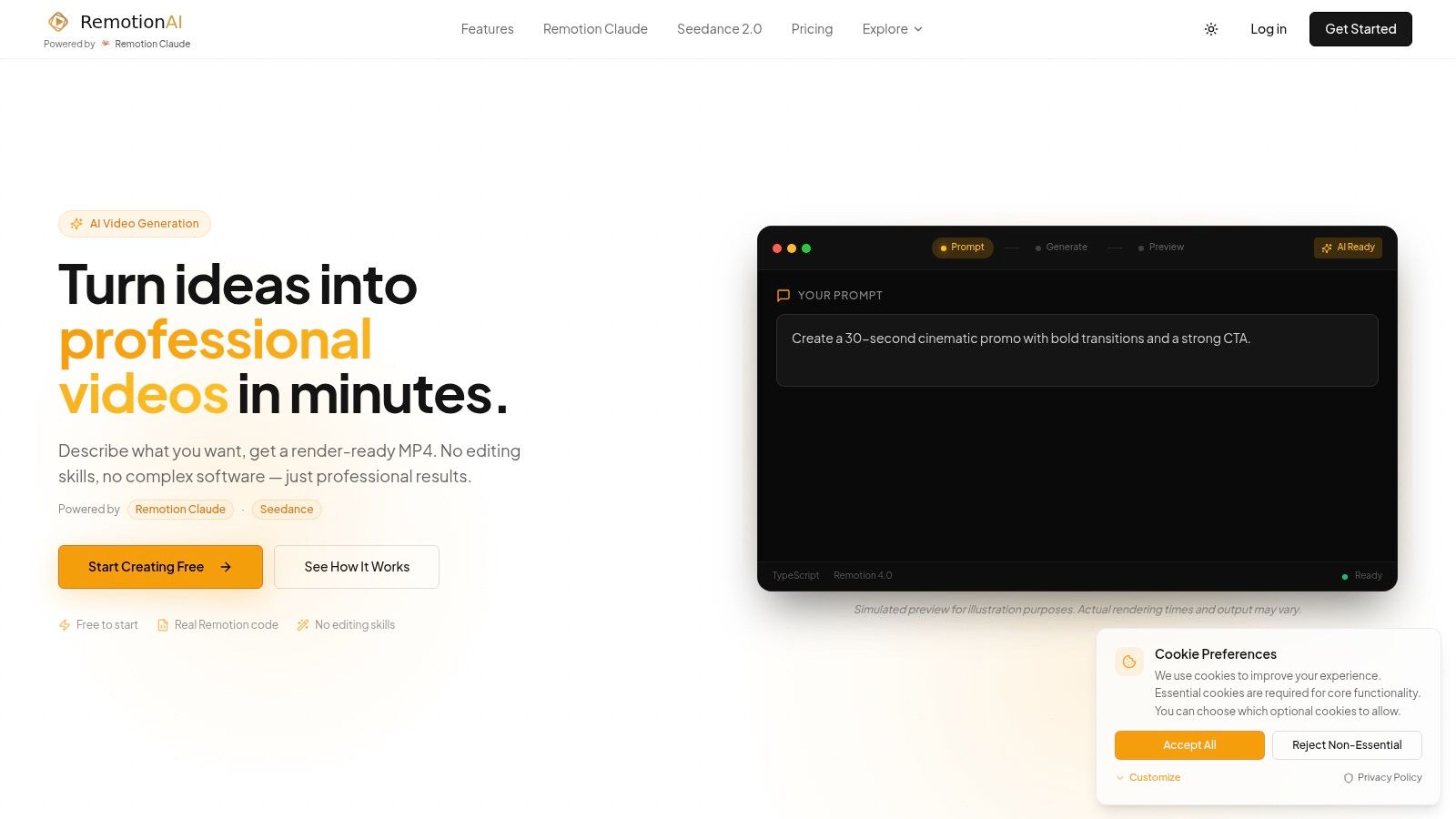
RemotionAI is the strongest option here when you want a template to become a working production system rather than a fixed visual shell. Describe the idea in plain English, choose a vertical or horizontal format, and the platform generates a previewable video with real Remotion React code behind it. You can refine the result with another prompt, export an MP4, or download the .tsx source for developer-level changes.
The audiovisual workflow is unusually complete. RemotionAI combines ElevenLabs voiceover, synchronized audio, background music, animated word-by-word captions, and Seedance cinematic text-to-video or image-to-video inserts. That makes it suitable for social campaigns, ecommerce ads, product launches, education, internal communications, and startup pitches.
Practical rule: Use a template to define the repeatable structure, then use prompts to change the story, shots, pacing, and message.
Brand controls let teams upload logos, set colors, and tune layouts without manually redesigning every scene. The site emphasizes production-ready 1080p rendering in under two minutes, while its no-code workflow remains useful for marketers who don't want to touch code. The trade-off is that the free tier has a small lifetime video allotment, so frequent production usually requires a paid plan. Premium is listed at $10 per month, and Pro at $19 per month, with plan limits and features subject to change. Explore social media prompt templates for RemotionAI when you need a repeatable brief for short-form content.
2. CapCut for trend-led short videos
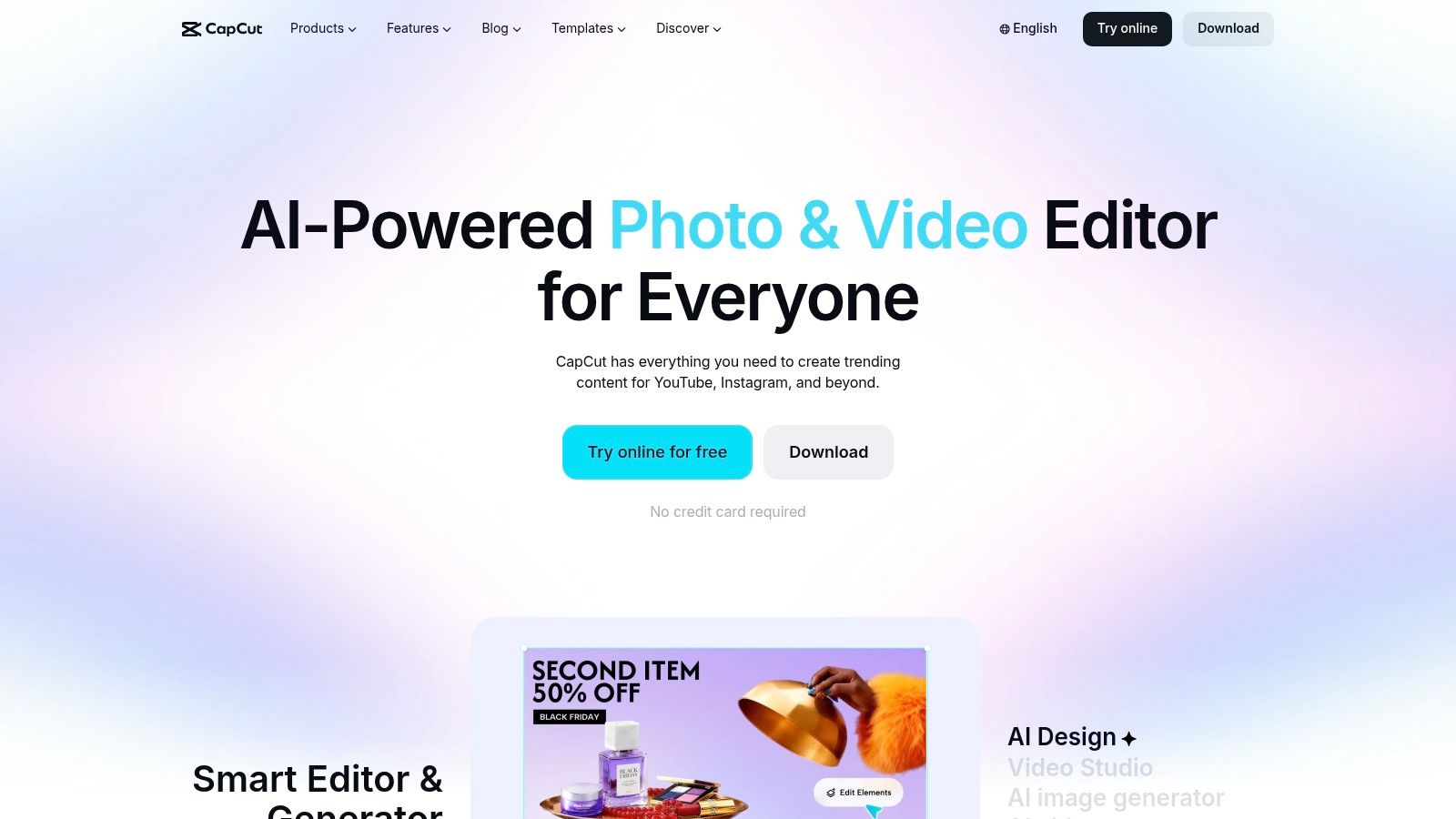
CapCut is built for creators who want to react quickly to formats already circulating on TikTok, Instagram, and YouTube Shorts. Its template and effects ecosystem is constantly refreshed, and the editor works across mobile, desktop, and web. You can drop in clips, apply a trending structure, use cutouts or background effects, and export without starting an edit from an empty timeline.
It works best when speed and social familiarity matter more than a carefully controlled brand system. The catalog is broad, but that can also make selection noisy. A template may be effective for a trend and still be wrong for a product launch or regulated brand.
Best fit: fast creator content, trend participation, and rapid repurposing.
CapCut is free to start, but Pro features, pricing, and availability vary by device and region. Verify the current offer before upgrading at CapCut.
3. Canva for accessible branded videos
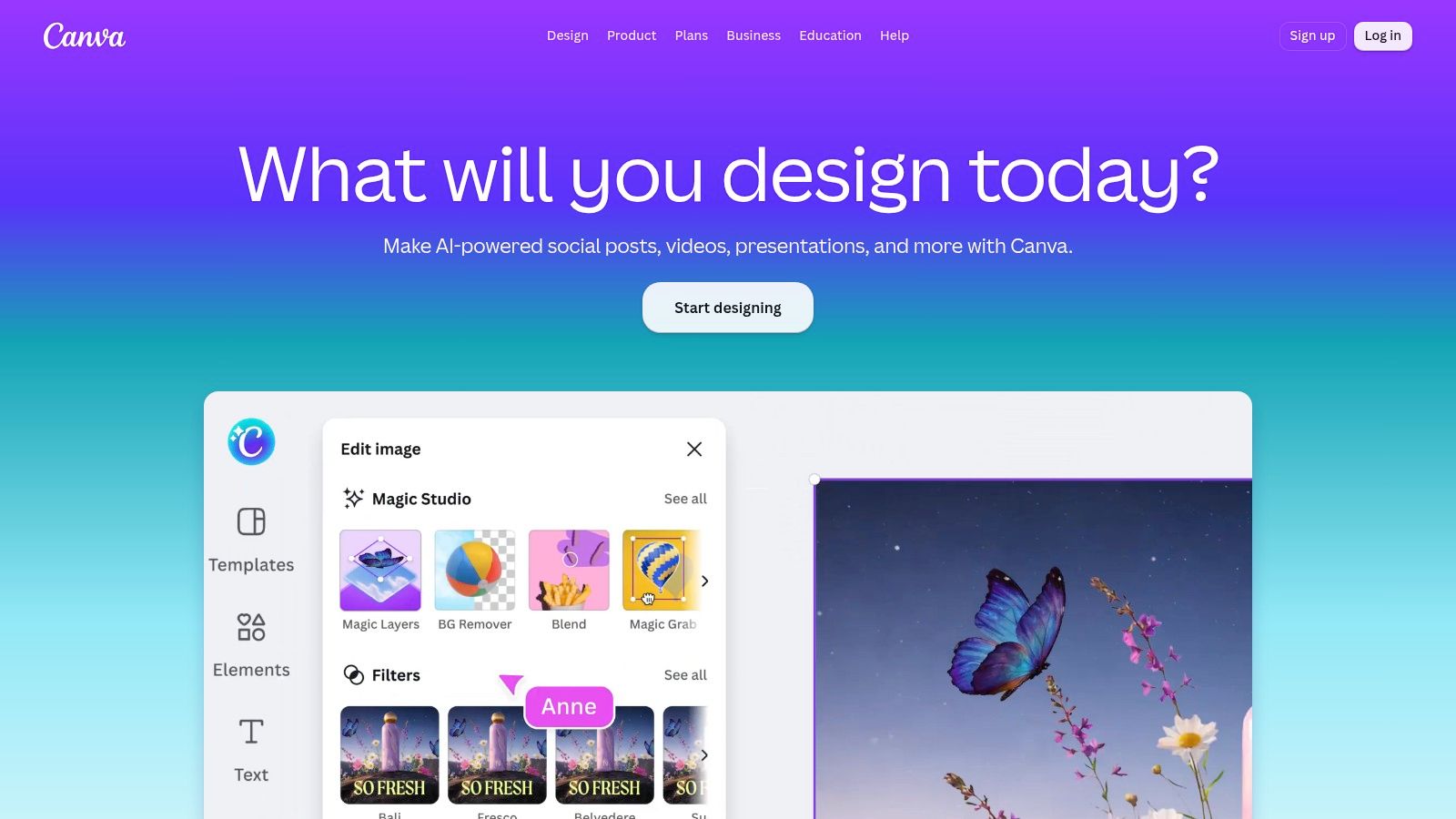
Canva gives non-specialists a practical way to produce branded social posts, product announcements, and lightweight campaign assets. Templates, asset libraries, brand kits, team sharing, and accessible manual editing keep production approachable. AI can style, cut, sequence, highlight, or improve voice content, though output still needs review.
Start with a template, replace footage, revise copy, and keep campaign visuals consistent. For social-specific formatting, see social media video templates when adapting layouts for vertical and horizontal delivery. Canva suits teams prioritizing adoption over technical control. It does not provide generated Remotion code or complex scene logic, and offers less control over cinematic timing.
In RemotionAI, reproduce the brief with formats, prompts, brand controls, captions, voiceover, and cinematic inserts, then use code export for programmable output. Pair ecommerce work with an e-commerce image editing guide. Use Canva when non-technical team adoption matters most. AI allowances and advanced features differ by plan, so confirm current U.S. pricing before committing.
4. Adobe Express for marketing teams
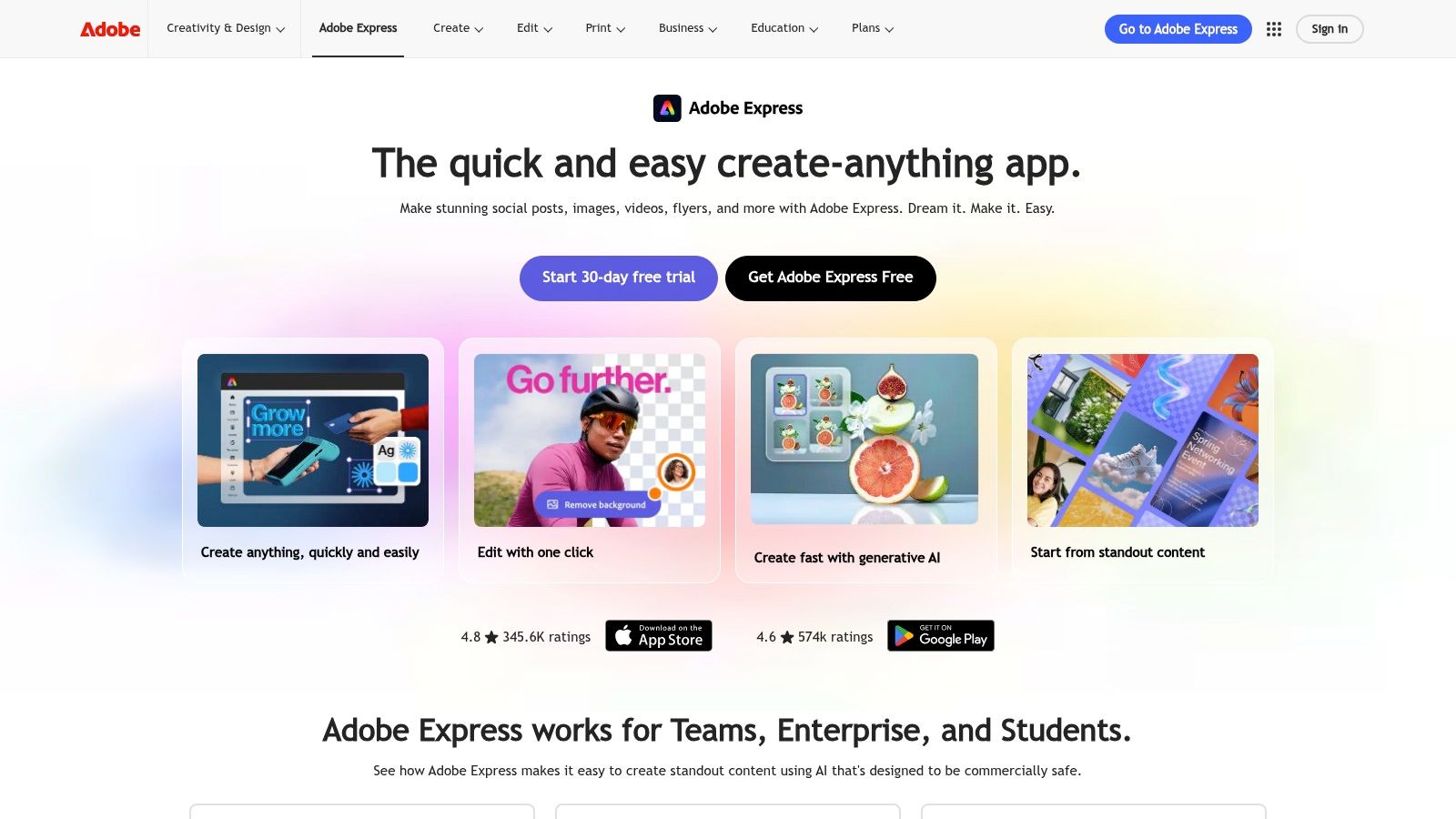
Adobe Express brings a template-first workflow to marketers already using Adobe assets. Firefly-powered generation, Adobe Stock, fonts, brand controls, and team workflows make it a sensible home for short promotional clips and branded social content. Prompt-based creation can provide a starting point, while the template browser helps teams maintain a recognizable campaign style.
The limitation is scope. Express is designed for accessible marketing production, not complex long-form editing or advanced compositing. Teams that need deeper timeline control will likely move into Premiere Pro.
Best fit: branded social clips, campaign variations, and organizations invested in Adobe's ecosystem.
Premium and business plans may be necessary for the full feature set. Check the current options at Adobe Express.
5. InVideo for script-to-video workflows
InVideo is aimed at users who start with an idea, article, or script rather than a folder of edited footage. Its template library covers ads, intros, explainers, and business content, while guided flows take beginners from text to scenes and export. The platform also brings multiple generation models into one workspace.
That breadth is useful, but it introduces a budgeting issue. Generative features use credits, and the cost of a clip can vary with the model and resolution. A team producing at volume should test a complete workflow before assuming that a subscription alone covers every generation.
Use InVideo when you want structured guidance and broad template coverage. It's less attractive when every variation needs predictable, code-level control.
6. VEED for recurring social series
VEED stands out when the same content format needs to ship repeatedly. Teams can create templates that preserve layouts, assets, and timing, then use AI helpers for captions, clips, dubbing, text-to-speech, and avatars. That combination is practical for interview excerpts, weekly updates, and educational series where subtitles and aspect-ratio changes are routine.
The editor is strongest for production operations rather than cinematic experimentation. Higher tiers may be required for advanced AI tools, and plan limits can affect how much a team automates.
Best fit: subtitle-heavy social content, recurring formats, and shared team workflows.
Try VEED if reuse and collaboration matter more than exporting editable source code.
7. Lumen5 for business explainers
Lumen5 is designed around marketing and communications teams that need clear, structured videos. Script and URL-to-video workflows turn written material into scenes, while saved templates and brand presets help maintain consistency across announcements, product updates, and explainers.
It won't be the first choice for VFX-heavy work or highly stylized cinematic sequences. Its value is predictability. A communications team can establish a format and reuse it without asking every contributor to become an editor.
Choose Lumen5 for repeatable business storytelling. Heavy brand customization may require enterprise services.
8. Pictory for turning articles into videos
Pictory works well for marketers who already have scripts, blog posts, or URLs. Its Instant Templates, themes, smart layouts, voiceover, and captions help transform written content into a branded video without building every scene manually. Brand kits and saved templates support series production.
The smart layouts are convenient, but editors still need to check visual relevance and pacing. Automated scene selection can produce a technically complete video that doesn't emphasize the most important idea.
For content teams adapting articles, Pictory is a practical choice. Budget carefully because some generative features and add-ons are managed separately.
9. Synthesia for training and internal communications
Synthesia is built for organizations that need consistent presenter-led video. Templates, sharing, and API support make it suitable for training libraries, HR updates, onboarding, and multilingual communications. Non-designers can work within an established format instead of recreating slides and presenter layouts each time.
The avatar-led approach is also the main limitation. It may not suit brands seeking an organic, cinematic look or product footage with complex visual storytelling. Generation is credit-based, so teams should map expected usage to the selected plan.
See how its workflow compares with code-based production in Remotion versus Synthesia. For enterprise enablement, visit Synthesia.
10. HeyGen for avatar explainers
HeyGen combines an AI Studio template picker with avatar-led production. Categories for ads, explainers, training, and social formats help new users reach a usable first draft quickly. Size presets for TikTok, Instagram, and YouTube also reduce the friction of preparing repeatable versions.
It's a strong fit for personalized updates, sales explanations, and instructional content where a presenter improves clarity. It's less suitable when the creative depends on product texture, fast montage, or cinematic inserts rather than a speaking avatar.
Credit costs and plan limits vary, so confirm the current terms at HeyGen before building a high-volume workflow.
Top 10 AI Video Template Tools Comparison
| Product | Core Features | UX & Quality (★) | Value & Pricing (💰) | Target Audience (👥) | Unique Selling Points (✨) |
|---|---|---|---|---|---|
| RemotionAI 🏆 | Plain-English → streaming Remotion React code; instant preview; .tsx export; Seedance clips; ElevenLabs voiceovers; platform templates | ★★★★★ Fast 1080p renders (~2 min); iterative previews | 💰 Free tier; Premium $10/mo (10 videos); Pro $19/mo (unlimited + priority) | 👥 Creators, marketers, startups, teams, educators, devs | ✨ Real Remotion code output (no-code + low-code); brand controls; cinematic text/image-to-video |
| CapCut | Trend-driven templates & effects; one-click AI filters; mobile/desktop/web | ★★★★☆ Massive, trend-updated template catalog | 💰 Free to start; paid features vary by device/region | 👥 Short-form creators, social-first users | ✨ Huge effects/template library; rapid social repurposing |
| Canva (Video) | Magic Video/Design AI, templates, brand kits, voice tools | ★★★★☆ Extremely simple UI; strong brand tools | 💰 Freemium; paid tiers unlock advanced AI/brand features | 👥 Non-editors, teams, marketers | ✨ Template-first with integrated brand kits and assets |
| Adobe Express | Firefly-powered text-to-video, premium templates, Adobe integrations | ★★★★☆ Professional templates; enterprise workflows | 💰 Freemium; Premium/business for full capabilities | 👥 Marketing teams, enterprises, designers | ✨ Deep Adobe Stock/fonts/brand integration; prompt-based generation |
| InVideo | 5,000+ templates; script/article-to-video; multi-model hub (credits) | ★★★☆☆ Guided flows for beginners; broad use cases | 💰 Freemium + credits for generative models; variable per-clip cost | 👥 Small businesses, marketers, beginners | ✨ Script-to-video and multi-model generation hub |
| VEED | Template locking, auto-captions, dubbing, avatars, team dashboard | ★★★★☆ Strong subtitle/dubbing and team features | 💰 Freemium; advanced AI on higher tiers | 👥 Teams producing recurring social series | ✨ Reusable team templates, subtitle & localization focus |
| Lumen5 | Editable templates by use case; script/URL-to-video; brand presets | ★★★☆☆ Structured for marketing & repeatable formats | 💰 Freemium/paid tiers; enterprise services for heavy customization | 👥 Marketing & comms teams, educators | ✨ URL-to-video + saved brand templates for repeatability |
| Pictory | Instant Templates, script/URL-to-video, themes, voiceover & captions | ★★★☆☆ Fast blog/script → branded video workflow | 💰 Freemium + credits/add-ons for generative features | 👥 Content repurposers, bloggers, marketers | ✨ Instant Templates and smart layouts for quick conversions |
| Synthesia | AI avatars, template library, API for scaled production, credits | ★★★★☆ Enterprise-grade consistency for training/HR | 💰 Enterprise/credits-based pricing | 👥 Enterprises (LMS, training, multilingual comms) | ✨ Realistic avatars + API-driven templated production |
| HeyGen | AI avatars, template picker, size/format presets, AI Studio | ★★★☆☆ Realistic avatars; quick onboarding | 💰 Credits-based; self-serve & enterprise options | 👥 Training, explainers, personalized updates | ✨ Prebuilt avatar templates and social-size presets |
Choose the Template System That Fits Your Workflow
Start with the production job, not the feature list. Social-first libraries such as CapCut work well for trend-led short videos where speed and format recognition matter. Canva, Adobe Express, and VEED are better choices for repeatable marketing assets because they combine templates with brand or team controls. InVideo, Lumen5, and Pictory suit script-led explainers and content repurposing. Synthesia and HeyGen are more natural fits for training, onboarding, and communications that benefit from an AI presenter.
RemotionAI belongs in the workflow when you want prompt-driven creation without giving up editability. It can generate platform-ready scenes, voiceover, captions, music, and cinematic inserts, while the Remotion code provides a path to deeper customization. That makes it useful for teams that want no-code speed today and developer handoff later.
Choose the system that matches your bottleneck, not the one with the longest template gallery.
Before adopting any platform, check:
- Aspect ratios: Confirm that it supports the vertical and horizontal formats your channels require.
- Brand controls: Check whether logos, colors, fonts, layouts, and reusable presets can be locked or saved.
- Captions and audio: Test caption timing, voice quality, music controls, and multilingual requirements with a real script.
- Template reuse: Make sure your team can save, share, duplicate, and update recurring formats.
- Export needs: Confirm resolution, watermark rules, file formats, source-code access, and developer handoff.
- Credits and limits: Understand whether generations, avatars, premium assets, or advanced AI features consume separate credits.
- Customization level: Decide whether your editors need simple drag-and-drop changes, prompt iteration, or editable code.
A good article-to-video workflow also starts with one clear topic, evergreen value, and sections that can become scenes. Define the viewer takeaway in one sentence before writing the script. For more options beyond templates, compare the top AI video clip generators.
RemotionAI combines prompt-driven video creation with platform-ready templates, captions, ElevenLabs voiceover, cinematic Seedance inserts, brand controls, and editable Remotion React code. If you want to test a workflow that can move from plain-language idea to previewable video and production MP4, visit RemotionAI and build your first repeatable format.