10 Promotional Video Templates for Every Platform | RemotionAI Blog
promotional video templates · video marketing · social video · video editors · product promotion
Compare 10 promotional video templates for TikTok, Reels, YouTube, product launches, social ads, and internal comms, with practical customization tips.
A marketing team rarely needs one promotional video. It needs a vertical cut for TikTok, a Reel with readable captions, a YouTube version, a product demo, and several offer variations, often before the campaign brief is fully settled. Limited time and uneven editing skills make the template choice important.
The best option depends on the workflow you want: AI-generated code, browser-based editing, social-first creation, or downloadable NLE templates. This comparison focuses on platform fit, customization depth, licensing, speed, collaboration, music and voiceover choices, caption treatment, and how much manual cleanup remains. RemotionAI can quickly adapt one concept into vertical or horizontal output with voiceover, music, synchronized audio, animated captions, brand controls, and editable Remotion source when deeper changes are needed. For music licensing context, see this 2026 guide for YouTube creators.
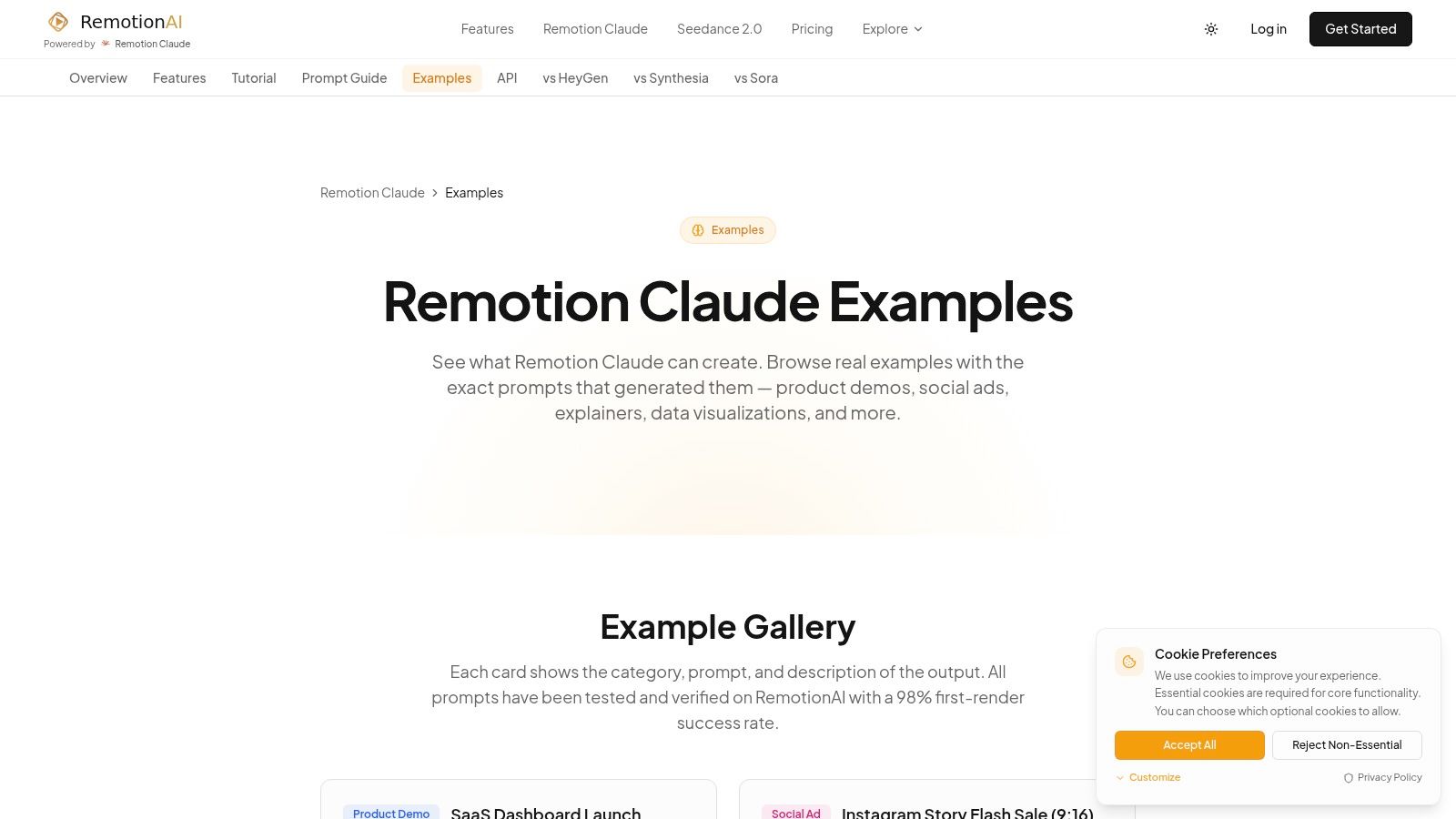
1. Remotion Claude Examples AI Video Gallery and Prompts 2026
RemotionAI is the strongest choice when the problem is starting from a blank page. The gallery pairs finished promotional video examples with copyable prompts, so a marketer can select a product demo, explainer, or social ad, adjust the message, and generate a preview instead of designing every scene manually.
It produces real Remotion React code, not just a locked visual mockup. You can preview and refine the result without coding, then download the generated .tsx source when a developer needs deeper control. The workflow supports vertical and horizontal formats, AI voiceovers, synchronized music, animated captions, logos, colors, and style presets. Its optimized pipeline can render 1080p MP4 output quickly, which suits TikTok, Reels, YouTube, product launches, and ecommerce ads.
Practical rule: Use the prompt to establish the message and structure, then edit the hook, proof, captions, and CTA yourself.
The trade-off is technical depth. Minor changes are simple, but highly custom animation may require familiarity with Remotion or React. AI output also needs human review for tone, claims, pronunciation, and legal accuracy. The RemotionAI social video workflow is particularly useful when one idea needs platform-specific variants rather than a single generic export.
2. Envato Elements
Envato Elements fits teams that already work in After Effects, Premiere Pro, Final Cut Pro, Apple Motion, or DaVinci Resolve. Its subscription library covers promotional templates, transitions, stock footage, music, sound effects, and graphics, giving an editor broad material for campaign production.
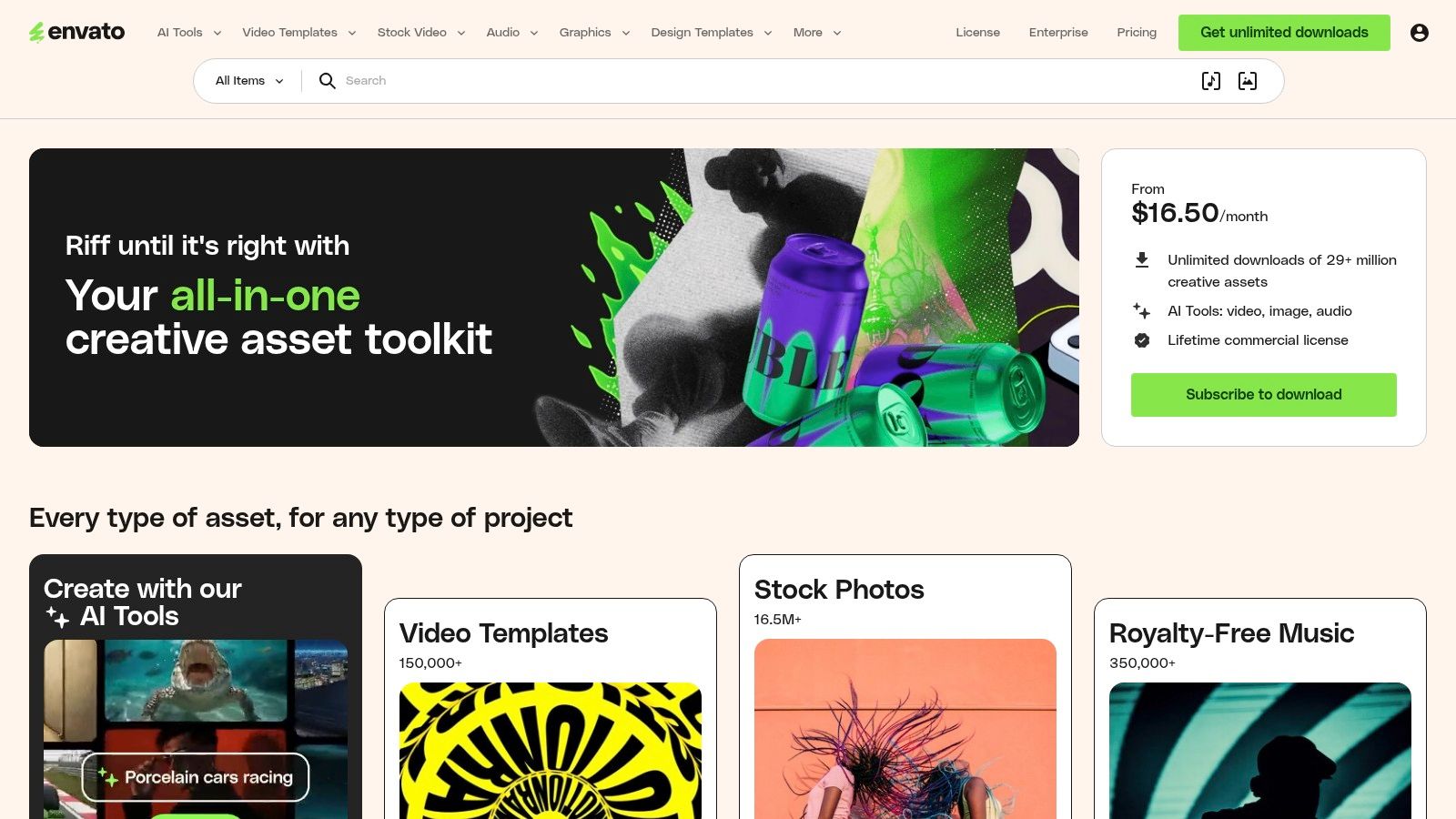
The advantage is control. Editors can replace footage, retime scenes, change typography, rebuild captions, and mix narration beneath licensed music inside the NLE they already use. The weakness is selection time. Quality varies between authors, and the most attractive template may be poorly structured for a specific platform. Licensing also needs checking for each project, and fair-use rules prohibit automated mass downloading.
Use Envato when an editor needs a deep asset supply. For marketers who need rapid social resizing and less manual work, a browser editor or social media video template workflow may be faster.
3. Motion Array
Motion Array is built around an editor-first workflow. It combines templates for After Effects, Premiere, Resolve, and Motion with stock footage, royalty-free music, sound effects, plugins, and an AI voiceover tool.
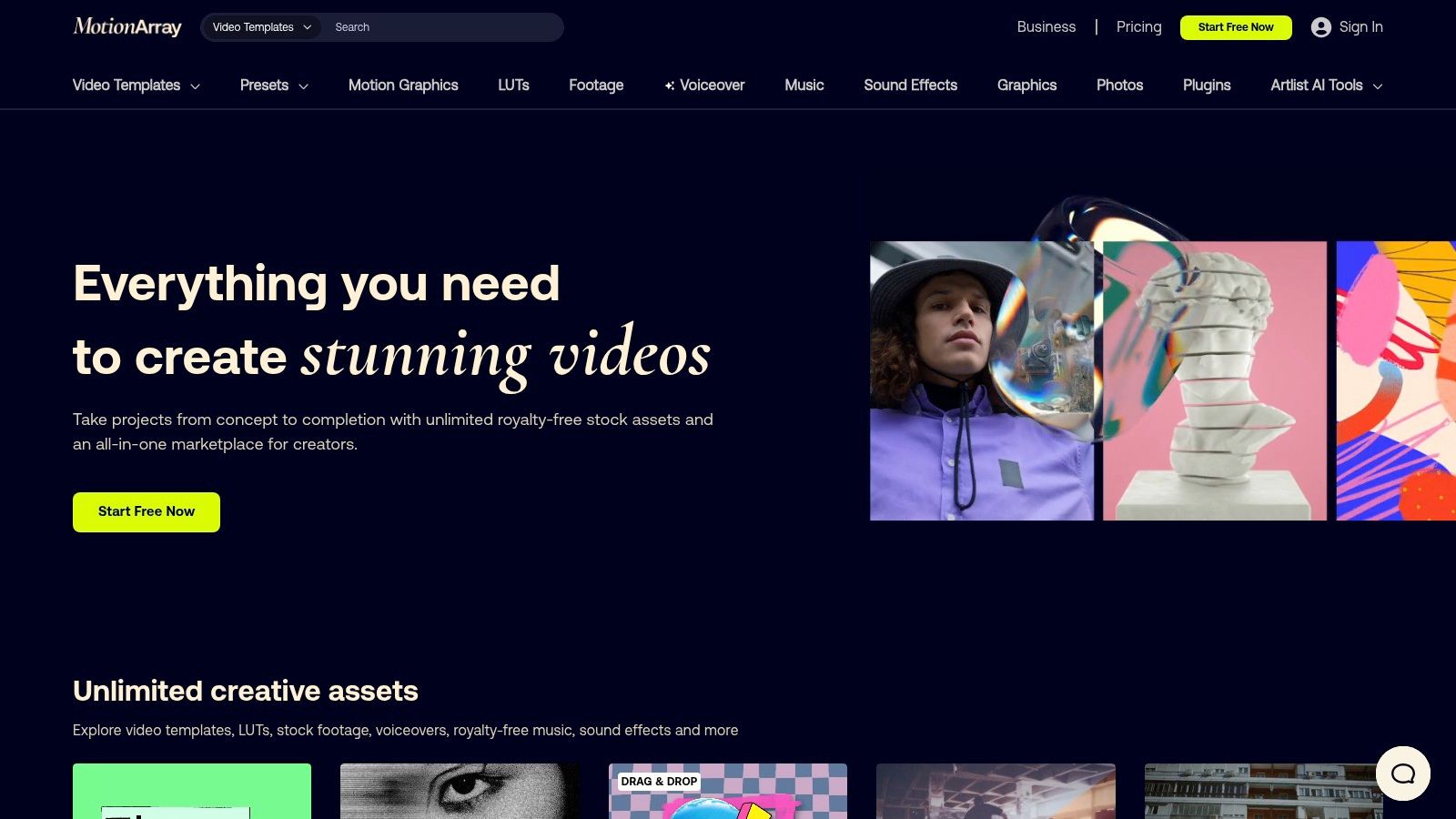
It works well for a production team that wants to keep the whole process inside professional editing software. Plugins can reduce repetitive setup, while music and voiceover options help turn a visual template into a complete promo. The drawback is curation. Libraries overlap, plan details can change, and the editor still has to adapt pacing, captions, and framing for each placement.
Choose Motion Array for NLE-first production and client work. It isn't the fastest route for a founder who needs a polished ad without opening Premiere.
4. Storyblocks
Storyblocks makes sense when promotional templates are only one part of the asset requirement. Its library combines video templates for After Effects, Premiere, Motion, and Resolve with stock footage, photos, music, and sound effects. Higher plans also add an AI Toolkit for video editing, generation, and voiceover credits.
The dedicated video-template category makes it easier to find a starting structure, while unlimited downloads support repeated campaign production. Teams can build a rough promo from stock, replace generic scenes with product footage, and finish captions in their preferred editor.
The limitation is that AI credits are capped by plan, and creative quality varies. Storyblocks is best for teams that need a broad media subscription. It's less attractive when the main need is precise message-led generation.
5. Renderforest
Renderforest is a practical browser-based option for fast promotional drafts. Its scene presets cover explainers, product spots, intros, and event promos. Users can replace text and media, choose stock assets, use text-to-speech, or start with AI-assisted template selection.
The strength is speed. A marketer can assemble a usable first draft without desktop editing software, then adjust brand colors, scenes, music, and narration. The trade-off is granular control. Complex timing, detailed typography, and custom motion eventually become harder than they would in an NLE.
Use Renderforest for announcements, seasonal offers, and internal review drafts. Replace generic stock early, keep the opening message short, and check that text remains readable after export.
6. Canva
Canva is a strong fit for social marketers who need brand consistency and collaboration more than advanced motion design. Its video templates are sized for TikTok, Reels, Shorts, and ads, with Brand Kits, auto-resize, captions, animations, background removal, approvals, and scheduling features.
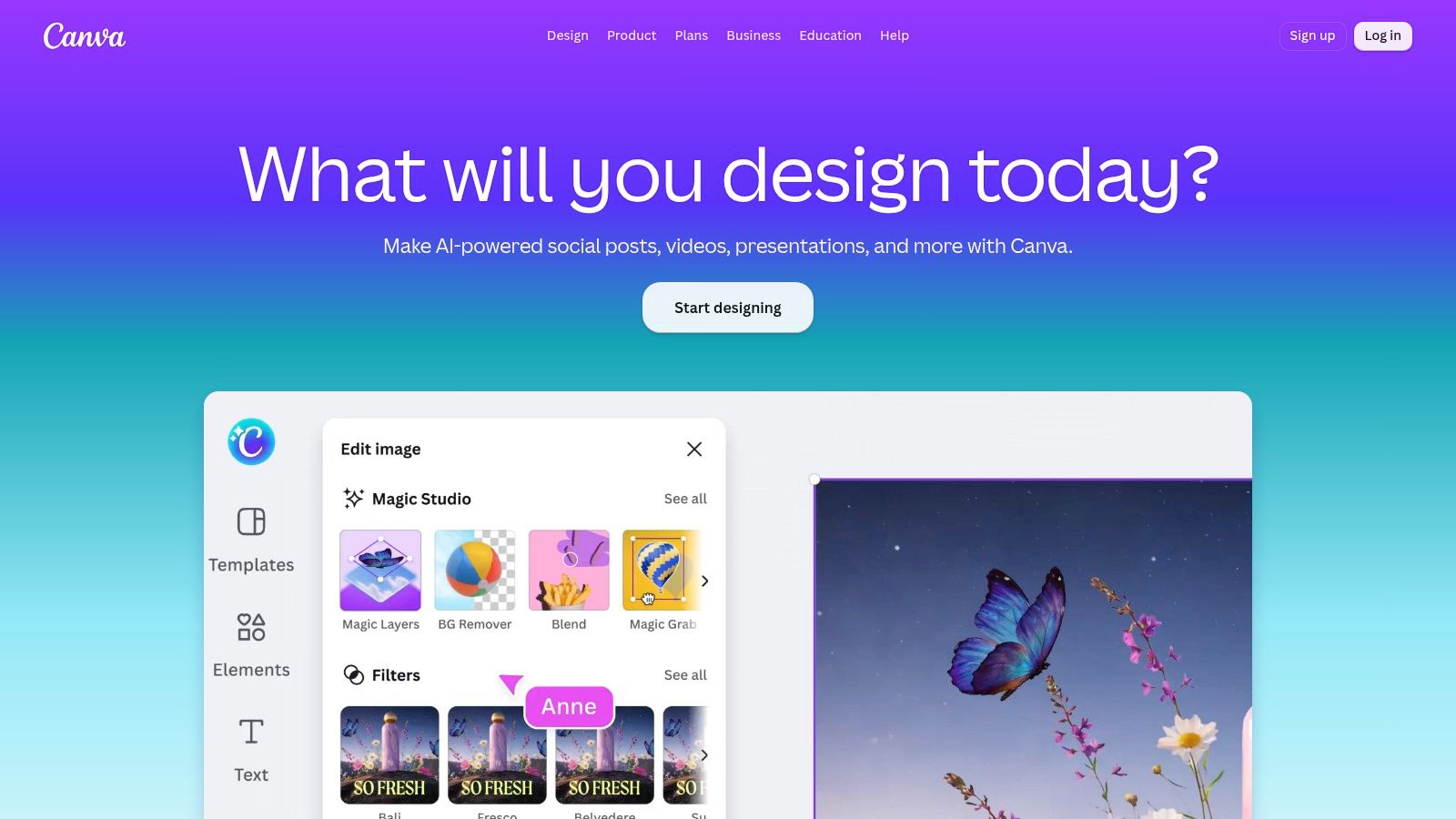
A team can duplicate one concept, create platform versions, swap product footage, and keep logos and colors controlled. Music is easy to add, but narration and caption timing may need more attention than the template suggests. Advanced motion control is limited compared with After Effects or Remotion, and unedited templates can feel recognizably Canva-made.
Canva works best when several people need to produce consistent social assets quickly. It's less suitable for a highly choreographed product demo.
7. Adobe Express
Adobe Express suits teams already invested in Photoshop, Premiere Pro, After Effects, or Adobe Stock. It offers template-based video creation, stock footage, 4K export, captions, transitions, background removal, brand kits, template locking, and Firefly-powered generative features.
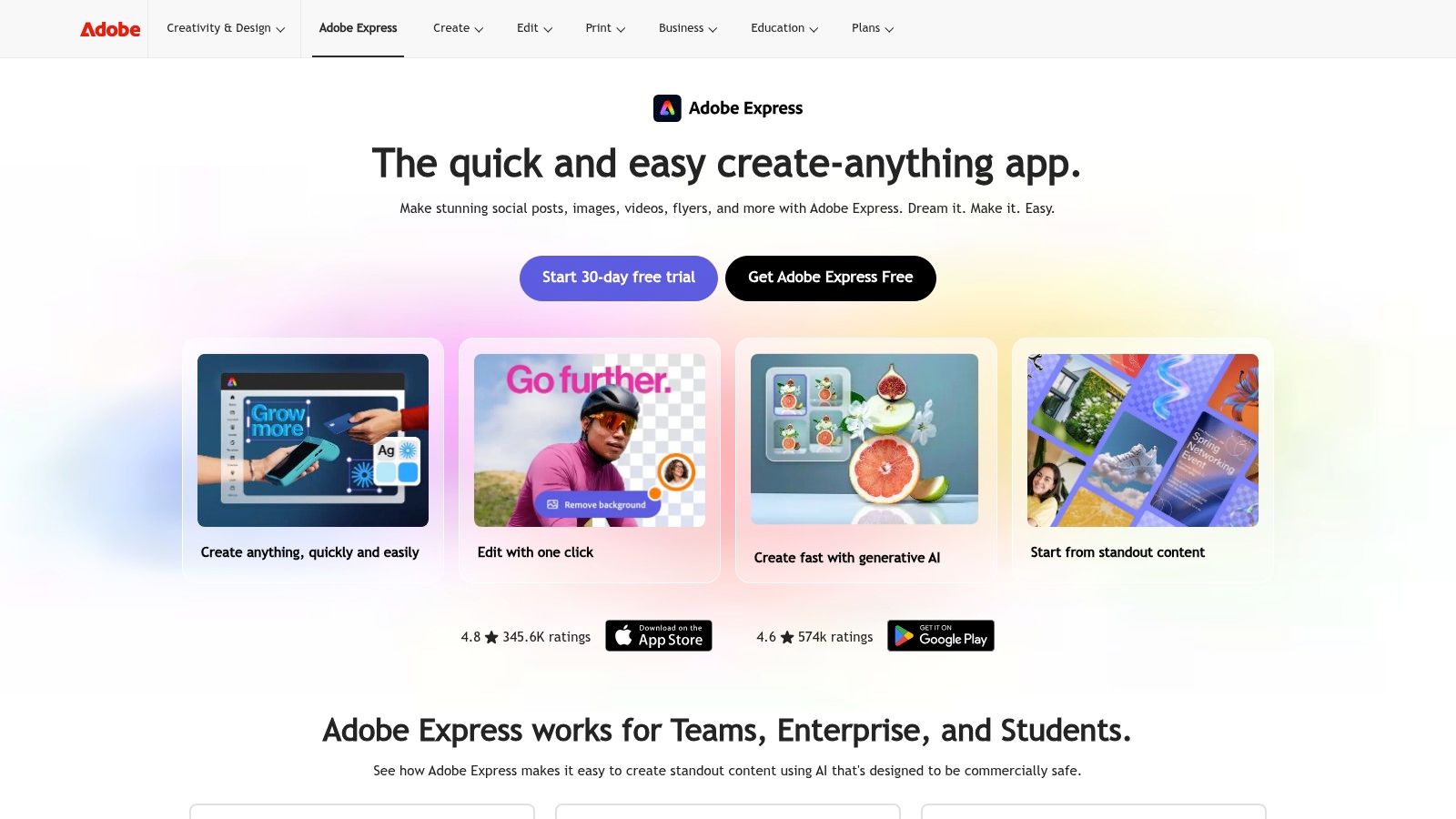
The useful distinction is governance. Teams can protect brand elements and hand quick social production to non-editors while keeping a path into Adobe's professional tools. Express becomes limiting when the promo needs intricate motion, unusual scene timing, or detailed audio mixing. Generative features also depend on plan-based credit allowances.
Choose it for controlled brand production across departments. Choose After Effects or RemotionAI when the template needs structural rather than cosmetic changes.
8. CapCut
CapCut is designed for TikTok, Reels, and Shorts workflows where trend-aware effects and fast editing matter. Its Business Promotion hub provides product and advertising templates, while web, desktop, and mobile access makes handoffs easy.
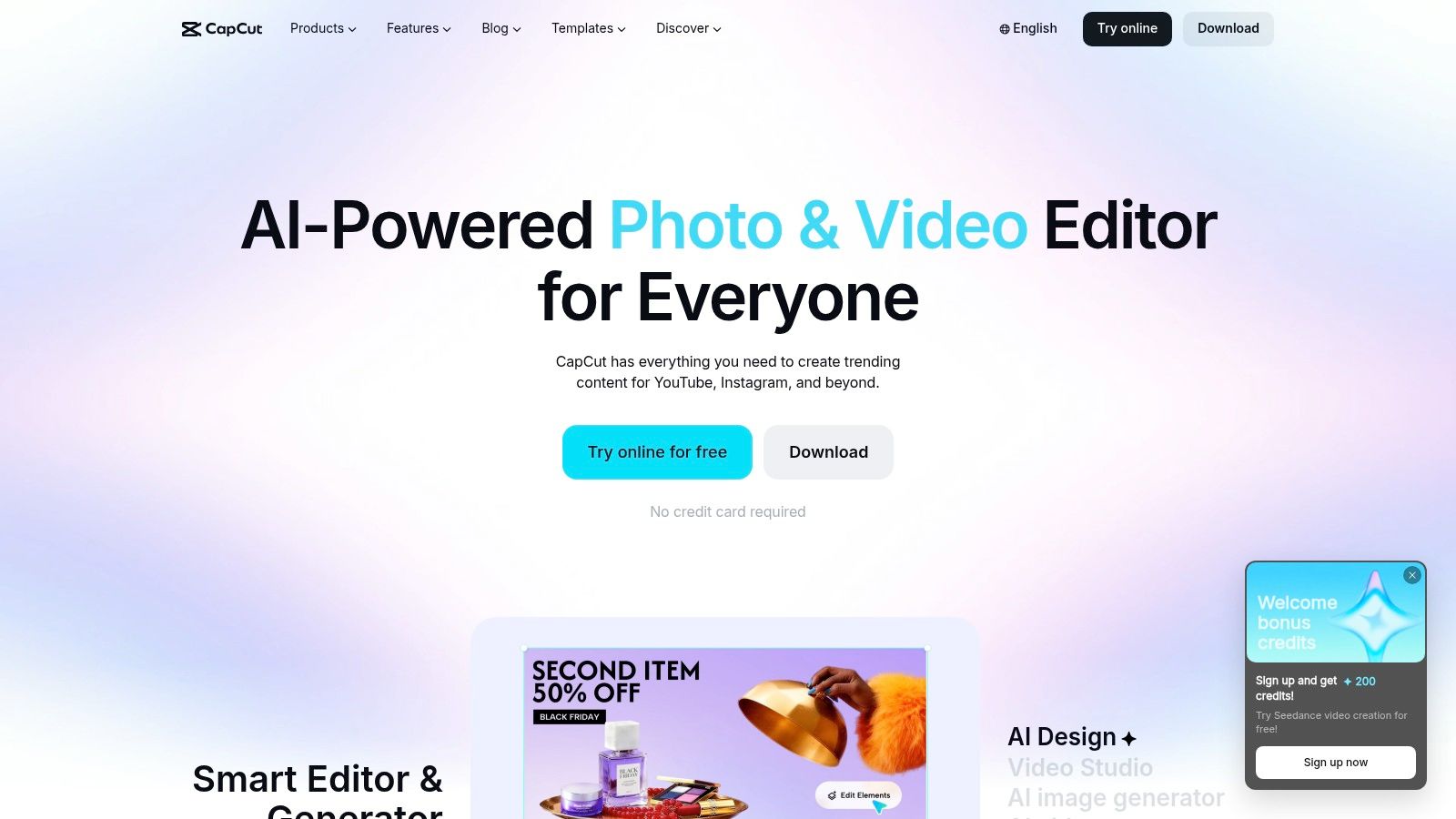
The platform is excellent for quick cuts, captions, effects, music, and social-native pacing. Pro adds team templates, brand libraries, review tools, and collaboration. The cost and feature structure can vary by region and device, and its customization depth remains below professional NLEs.
Use CapCut when the creative depends on current short-form conventions. Don't use an unedited trend template for a serious product claim. Replace the opening visual, simplify the caption, and keep one message per cut.
9. InVideo
InVideo combines an AI prompt workflow with a more traditional timeline editor. Teams can generate a promotional draft with AI video, voice, music, and stock, then refine scenes collaboratively in Studio. Multiplayer editing and guest access make it useful for distributed marketing teams.
The main benefit is speed from brief to rough cut. The main drawback is credit and model complexity. Teams need to understand what each plan includes before generating at volume, and detailed customization still requires manual scene edits. Narration should sit clearly above music, while subtitles need a full human pass.
For a broader comparison of rapid ad workflows, see Invideo vs. FindClout for meme ads.
10. Promo.com
Promo.com is aimed directly at marketers and small businesses. Its ready-made promotional templates, licensed Getty and iStock content, music library, social planner, and direct publishing support make it useful for product promos, sales creatives, and seasonal campaigns.
The platform reduces the distance between selecting a template and publishing to TikTok, Instagram, YouTube, Facebook, or X. It's a good choice when the campaign needs fresh variations quickly and the team doesn't want to manage a professional editing timeline.
The limitation is control. AI quotas vary by plan, and complex motion or precise brand animation may require another tool. Keep the template structure, replace the stock visuals, and write the CTA around one action. For AI-assisted ad concepts, this AI video ad guide provides a useful complementary workflow.
Top 10 Promotional Video Template Comparison
| Product | Core features | Experience ★ | Value 💰 | Target 👥 | Unique ✨ |
|---|---|---|---|---|---|
| **🏆 Remotion Claude Examples: AI Video Gallery & Prompts [2026] | RemotionAI** | Prompt → streaming Remotion React (.tsx), instant previews, vertical/horizontal templates, ElevenLabs voice, captions, fast 1080p render | ★★★★★, high-fidelity, fast previews | 💰 Free → Premium/Pro (higher quotas & priority) | 👥 Creators, marketers, teams, devs | ✨ Live editable .tsx source, brand controls, real-time code streaming |
| Envato Elements | 29M+ downloadable assets, NLE-native templates (AE/PR/FCP/Resolve), stock music | ★★★★, massive breadth, variable quality | 💰 Subscription (solid team value) | 👥 Editors, agencies, freelancers | ✨ Huge asset library + NLE compatibility |
| Motion Array | Unlimited templates, stock footage, music/SFX, AE/PR plugins, AI voiceover | ★★★★, editor/motion-designer focused | 💰 Subscription with plugins & review tools | 👥 Motion designers, video editors | ✨ Bundled NLE plugins and review/portfolio tools |
| Storyblocks | Unlimited downloads (footage, templates, music), AI toolkit credits, integrations | ★★★, template-forward, dependable for stock | 💰 All-you-can-download plans; AI credits capped | 👥 Marketers, small teams, content ops | ✨ Unlimited stock + optional AI toolkit |
| Renderforest | Web-based scene editor, TTS, AI creator, thousands of promo templates | ★★★, very fast, less granular control | 💰 Freemium → paid tiers (quick drafts) | 👥 SMBs, non-designers, quick marketers | ✨ No-desktop web workflow with scene presets |
| Canva | Millions of templates, Brand Kits, auto-captions, auto-resize, collaboration | ★★★★, fast, very user-friendly | 💰 Freemium → Pro/Business for brand features | 👥 Marketers, social teams, non-designers | ✨ Brand Kits + one-click resize & team workflows |
| Adobe Express | 500K+ templates, Adobe Stock vids, Firefly generative, 4K export, brand controls | ★★★★, strong for Adobe users | 💰 Paid tiers; enterprise/teams options | 👥 Teams in Adobe ecosystem, enterprises | ✨ Firefly integration, 4K export, template locking |
| CapCut | Social-first editor, massive trending templates, Business Promotion hub, cross-platform | ★★★★, trend-driven, rapid outputs | 💰 Free → Pro (regional pricing varies) | 👥 TikTok creators, short-form social marketers | ✨ TikTok integration & trending effect library |
| InVideo (invideo AI) | Credits-based AI video/voice/music (Seedance models), Studio timeline editor, stock | ★★★, AI-first drafts, editor refinement needed | 💰 Credits-based plans; tiered model/resolution | 👥 Teams wanting AI→editor workflow | ✨ Seedance models + multiplayer editor |
| Promo.com | Marketing-focused promo templates, Getty/iStock library, direct social publishing | ★★★, marketing-centric, easy publishing | 💰 Paid plans; stock quotas per plan | 👥 SMB marketers, advertisers | ✨ Direct publish to platforms + marketing tools |
Choose the Template That Fits the Workflow
Start with the production problem, not the biggest library. Choose RemotionAI when you want prompt-led creation, editable Remotion code, fast voiceover and caption treatment, and platform-ready variants from one concept. It's especially useful for product demos, explainers, ecommerce ads, and teams that want speed without surrendering deeper customization.
Choose Envato Elements, Motion Array, or Storyblocks when an editor needs NLE control and a broad supply of footage, music, transitions, and downloadable templates. These tools reward careful curation and an experienced editor. They're powerful, but they won't remove the work of adapting pacing, captions, audio levels, and aspect ratio.
Choose Canva, Adobe Express, Renderforest, or Promo.com for browser-based production. They work well when marketers need collaboration, brand controls, approvals, and quick exports. Choose CapCut when trend-aware vertical content matters most, and InVideo when prompt-based drafts need to move into a collaborative timeline.
Short-form video is now a central marketing format. A 2026 analysis found that 82% of B2B marketers prioritize short-form video, while short-form was identified as the top ROI-driving format at 49%, ahead of long-form at 29% and livestreaming at 25%. The same analysis reported AI video use rising to 41% from 18% the previous year. See the 2026 video marketing statistics analysis for the cited context.
Before publishing, test one short concept in the intended aspect ratio. Replace generic visuals, tighten the opening caption, lower music beneath narration, check every subtitle, and confirm asset licensing. Research on short-form scripting commonly maps a 30-second video to about 60 spoken words, with roughly 120 words for 60 seconds, as explained in this short video marketing script guide.
A template is only a starting structure. The strongest promotional video comes from a specific message, disciplined pacing, readable captions, credible proof, and a clear next step. Use templates to accelerate production, not to outsource judgment. A focused workflow can help streamline campaign production without making every channel look identical.
RemotionAI turns plain-language concepts into professional promotional videos with voiceover, music, synchronized audio, animated captions, brand controls, and editable Remotion source. Use it to adapt one campaign idea into platform-ready vertical or horizontal variants, then refine the message instead of rebuilding every scene manually. Visit RemotionAI to test a faster promotional video template workflow.